How to delete an event type in Calendly
Here is how to delete an event type in calendly
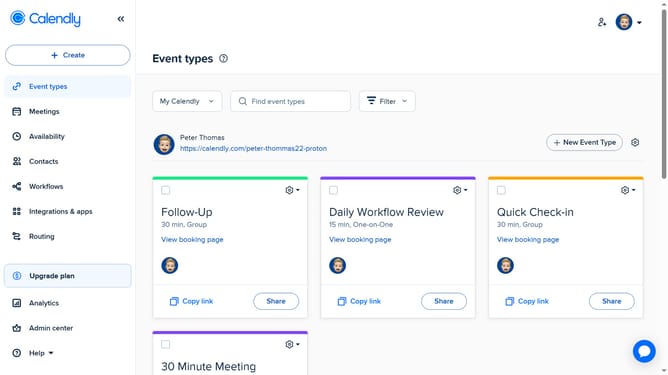
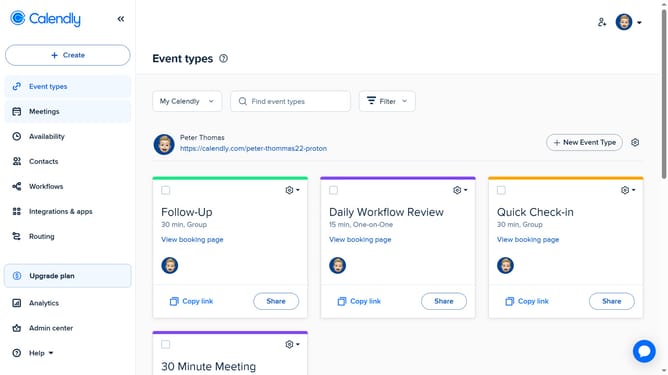
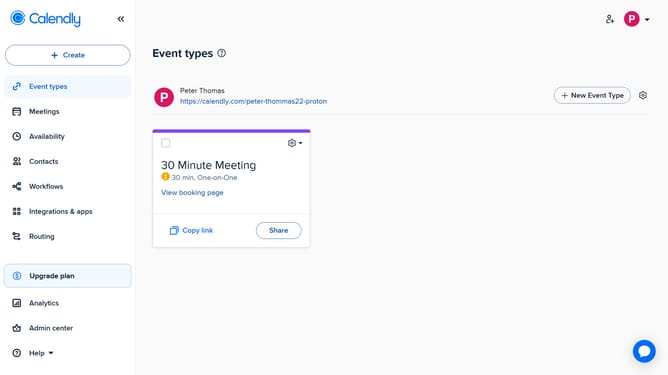
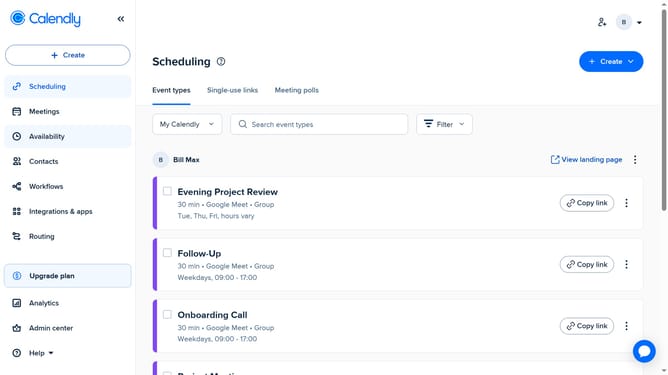
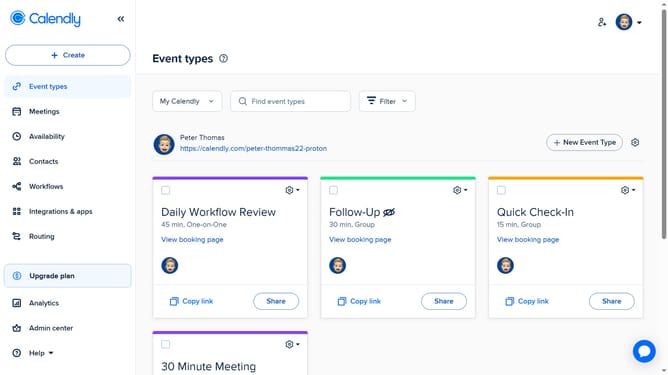
- First click on the "Event types" in the left sidebar menu
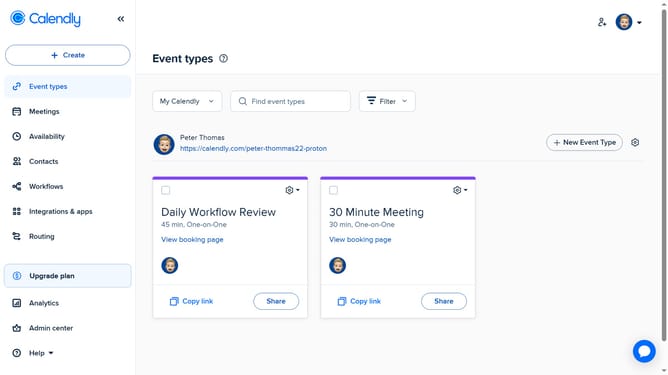
- Locate the event type you want to delete
- Click on the settings gear icon in the top-right corner of that event type card
- Then click on the "Delete" option in the dropdown menu
- Finally click on the "Yes" button in the confirmation dialog to confirm the deletion
Why should you delete an event type in Calendly
Calendly is a seamless scheduling tool designed to simplify the process of arranging meetings and events.
One essential feature it offers is the ability to delete an event type when it's no longer needed.
This function helps maintain an organized and clutter-free calendar, ensuring that only relevant events are visible and available.
By tidying up your scheduling options, you save time and enhance productivity.
Last update