How to disable Calendly branding on your scheduling page
Here is how to disable calendly branding on your scheduling page
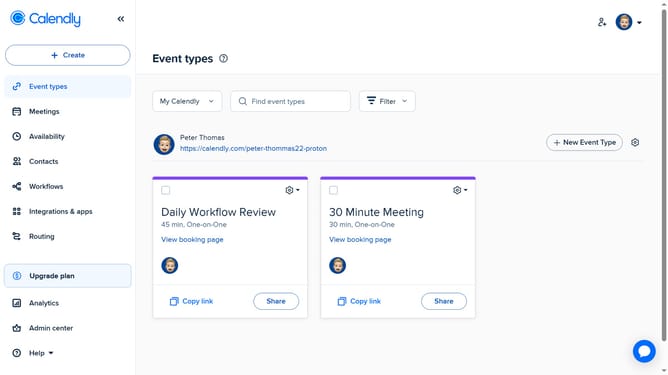
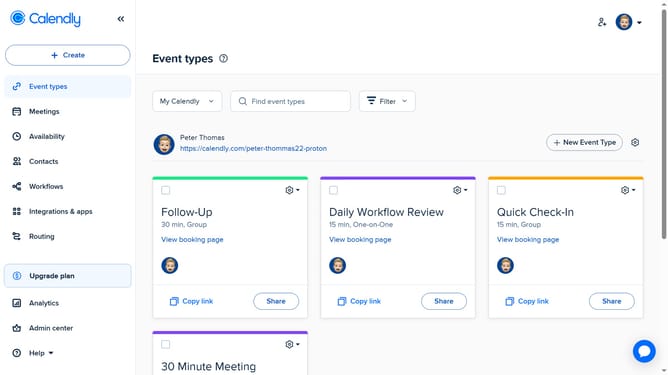
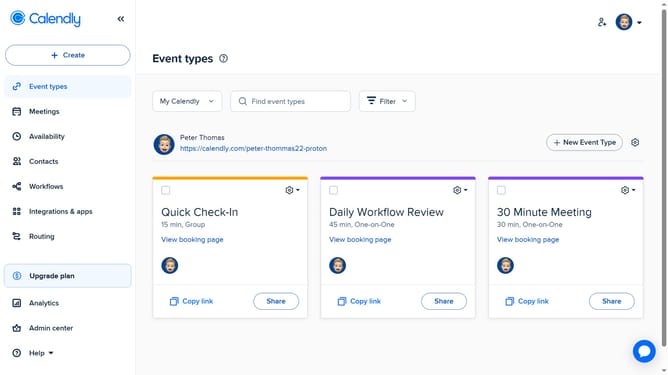
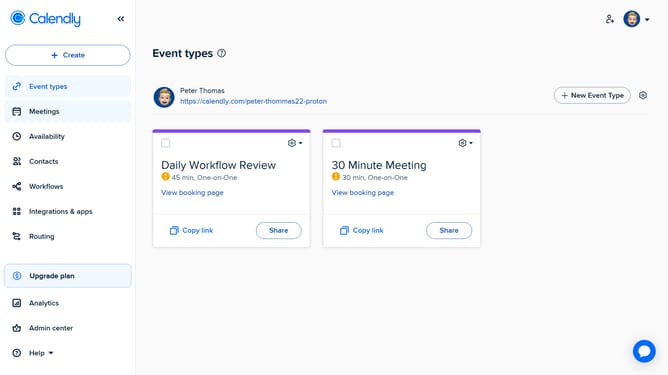
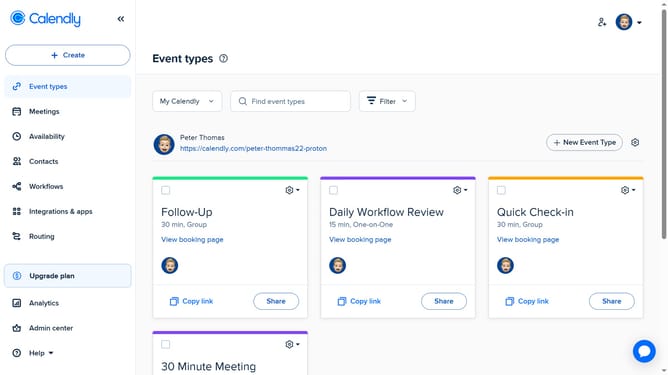
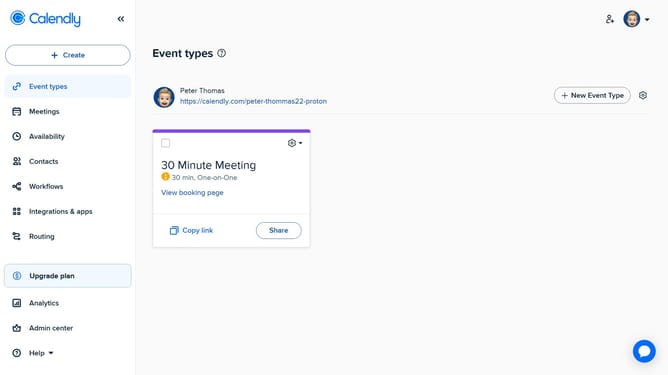
- First click on your profile picture in the top-right corner of the header
- Next select the "Branding" option from the dropdown menu
- In the branding settings page, find the option labeled "Use Calendly branding"
- Then toggle it off to disable Calendly branding on your scheduling page
- Finally click on the "Save Changes" button at the bottom of the page to apply the changes
Why should you disable Calendly branding on your scheduling page
Calendly is a seamless scheduling platform that simplifies the process of setting appointments.
Disabling Calendly branding on your scheduling page elevates your professional presence, making the experience more personal and aligned with your brand. By removing logos and brand elements, your clients focus solely on your services, fostering a more authentic connection.
Implementing this feature enhances the professional look of your scheduling page, creating a cohesive brand image. This simple change boosts your credibility and leaves a lasting impression.
Last update