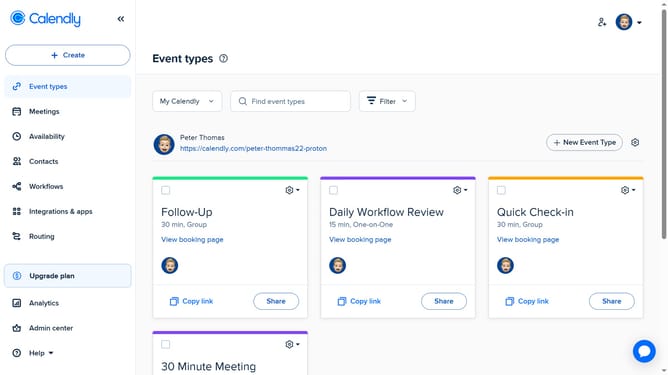
How to reorder your event types in Calendly
Here is how to reorder your event types in calendly
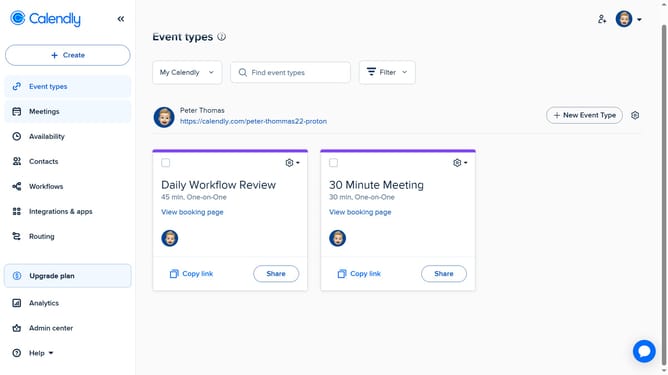
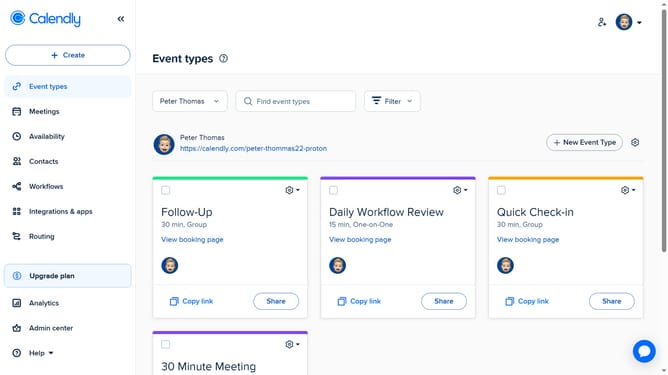
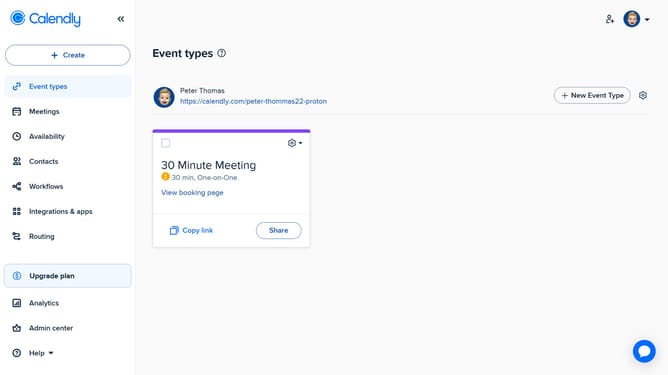
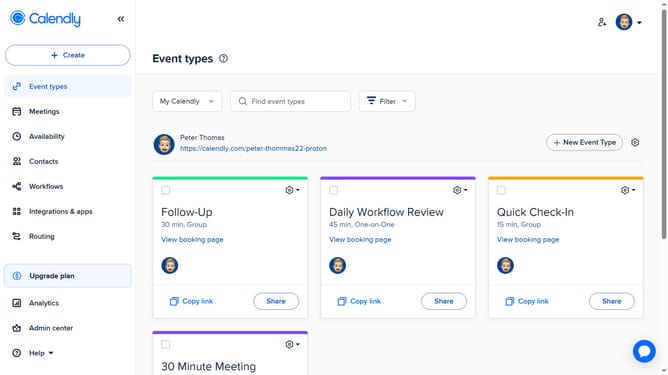
- First navigate to the "Event types" in the left sidebar
- Next locate the event you want to move
- Then click and drag the event card to a new position among your other event types
- Repeat the same process for any other events you’d like to reorder
Why should you reorder your event types in Calendly
Calendly is a streamlined scheduling tool designed to simplify booking appointments and managing calendars.
Reordering your event types in Calendly allows you to prioritize events according to your needs. This feature can enhance your workflow by reflecting the urgency or frequency of specific event types.
By efficiently managing event types, you ensure that the most sought-after times are front and center, minimizing the hassle for both you and your invitees and enhancing overall productivity.
Last update