How to create a team Round Robin event in Calendly
Here is how to create a team round robin event in calendly
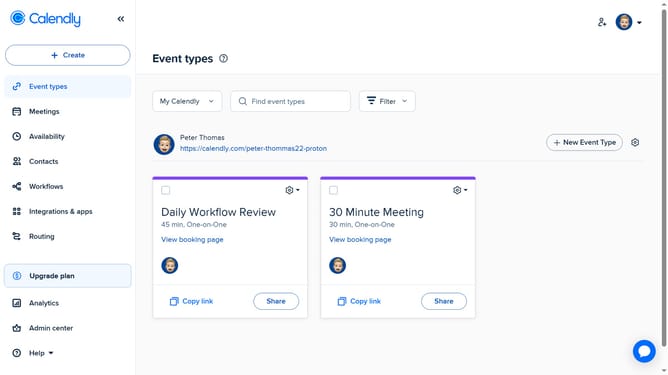
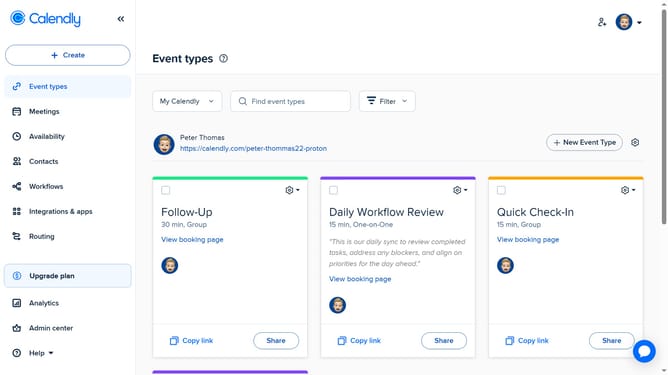
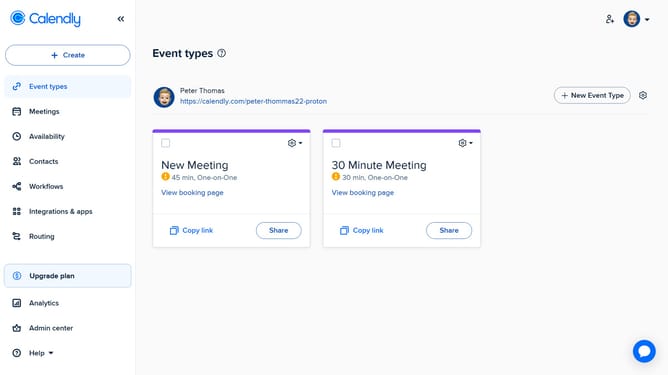
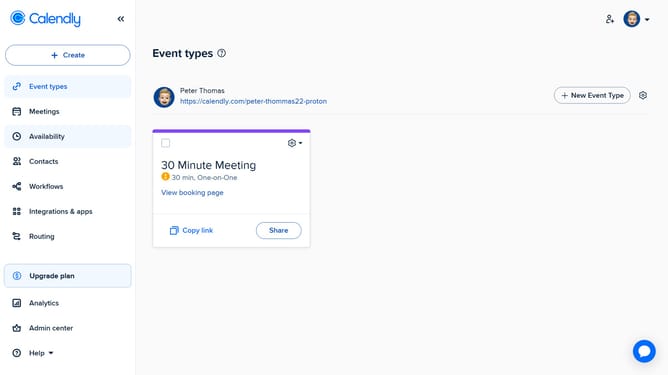
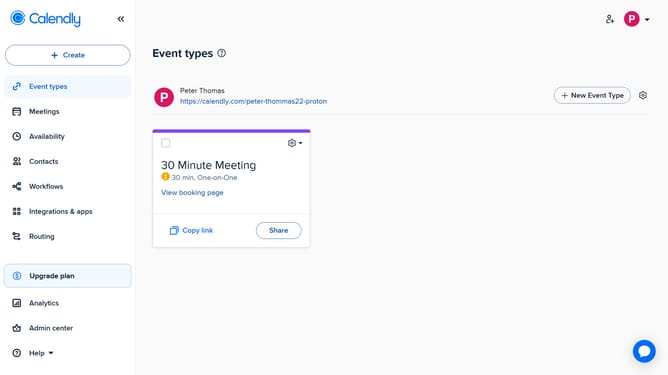
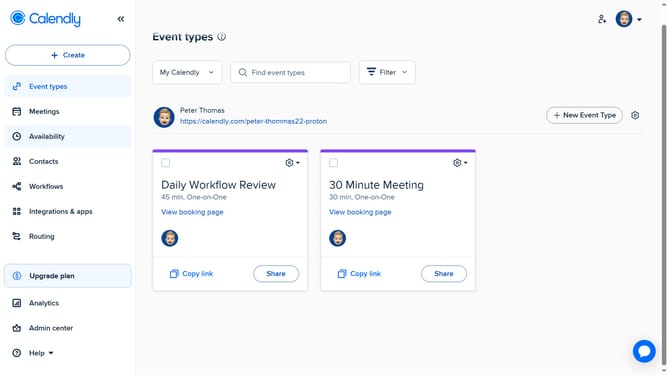
- First click on "Event types" in the left sidebar menu
- Next click on the "New Event Type" button in the top right corner
- Click on "Round robin" option from the event types dropdown menu
- Enter a name for the event and select a color if desired
- In the event settings panel, configure the duration, hosts, location, and availability
- In the right sidebar panel, click on "More options" button
- Here, you can add extra details such as a description, buffer time, booking page settings, and other custom options
- Finally when everything is set, click “Save changes” to apply your settings and create the event
- Your Round Robin event type has been successfully created and is now ready for scheduling
Why should you create a team Round Robin event in Calendly
Calendly is an efficient scheduling tool that simplifies and streamlines meeting coordination.
Creating a team Round Robin event in Calendly effortlessly balances meeting loads among team members.
This feature enhances productivity by automatically rotating meeting assignments, ensuring a fair distribution and preventing burnout.
Using Round Robin not only saves time but also improves team collaboration and satisfaction by providing transparency and equal opportunities for engagement.
Last update