How to see who voted in your meeting poll on Calendly
Here is how to see who voted in your meeting poll on calendly
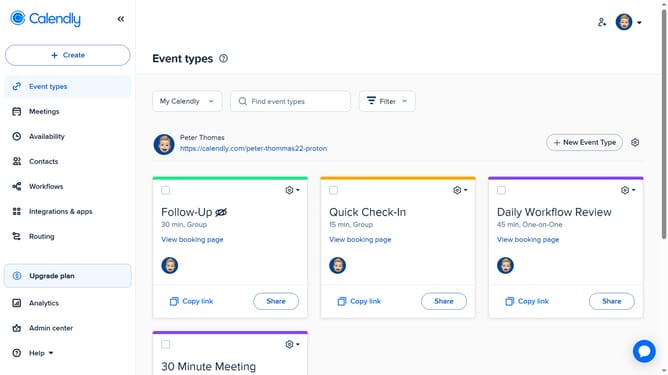
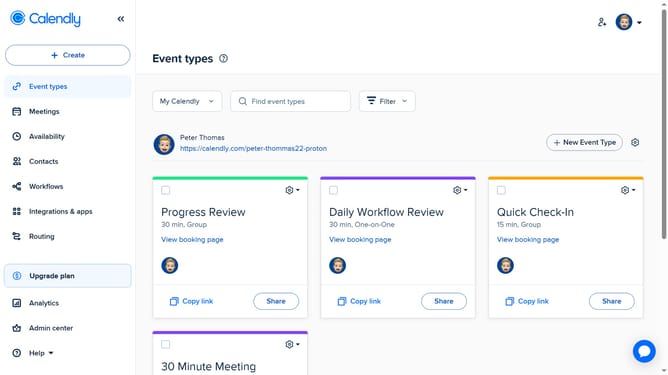
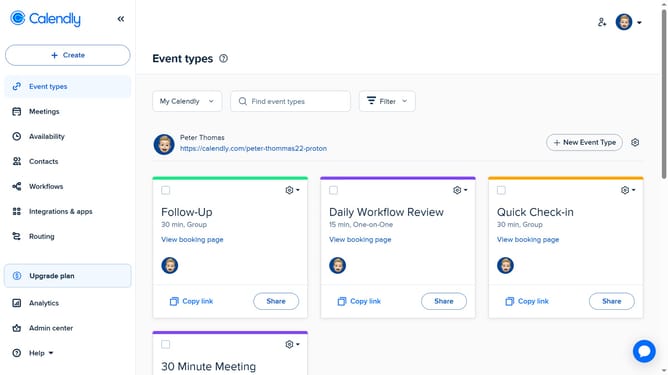
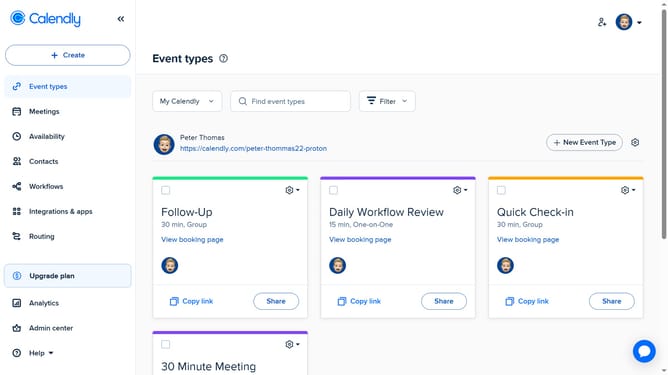
- First click on "Meetings" in the left sidebar menu
- Next click on "Pending" tab in the meetings view
- Locate and click the meeting poll you want to check to open its details
- Then click on "See all poll results" link at the bottom of the poll details
- Finally, you’ll see the results of your meeting poll, showing the total number of votes, the names of invitees who voted, and the time slots they selected
Why should you see who voted in your meeting poll on Calendly
Calendly is the efficient scheduling tool that simplifies meeting arrangements by connecting people effortlessly.
The feature that allows you to see who voted in your meeting poll on Calendly brings transparency to your scheduling process.
This visibility helps you understand participant preferences and align availability without back-and-forth communication.
By using this feature, you enhance collaboration and ensure smoother, more efficient meeting arrangements, leaving more time for what's important.
Last update