How to change your scheduling time zone in Calendly
Here is how to change your scheduling time zone in calendly
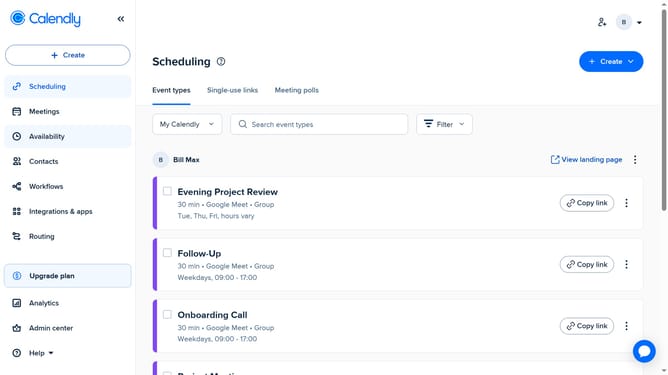
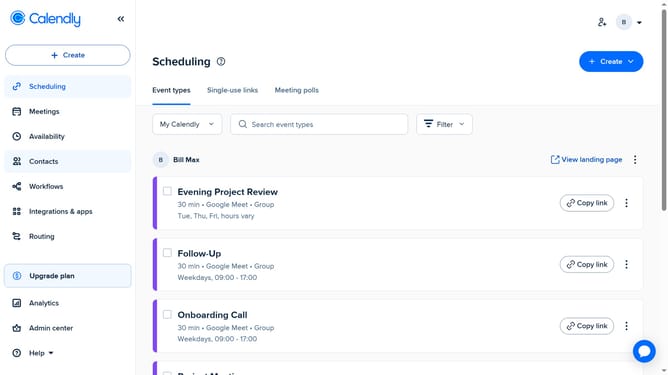
- First click on the "Availability" item in the left sidebar menu
- Next click on the "Schedules" tab in the main content area
- At the bottom of the List view, click the "Time zone" dropdown
- Then search for your time zone. You’ll see the local time next to each option
- Finally select your desired time zone from the list
- Your scheduling time zone has been successfully updated
Why should you change your scheduling time zone in Calendly
Calendly simplifies scheduling by automatically coordinating meeting times.
Changing your scheduling time zone in Calendly is a seamless feature that enhances your scheduling experience. It allows you to accurately set appointments across different time zones, ensuring that all participants are on the same page.
This feature is beneficial for professionals working in global teams, allowing them to efficiently manage their time without the confusion of cross-time zone coordination.
By having control over your time zone settings, you create a more streamlined schedule, reducing stress and enhancing productivity.
Last update