How to check a meeting's details in Calendly
Here is how to check a meeting's details in calendly
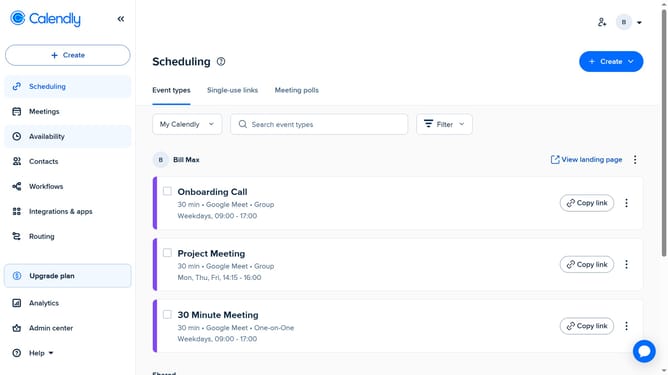
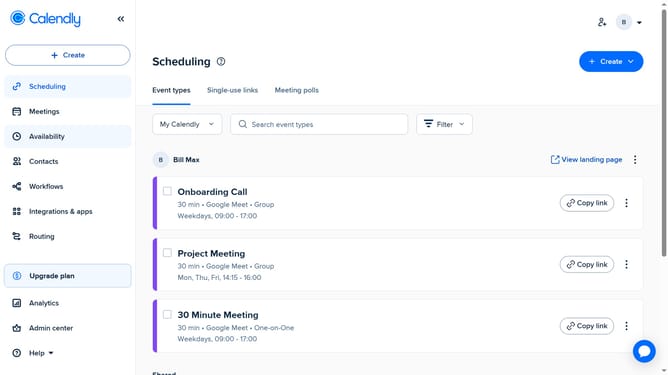
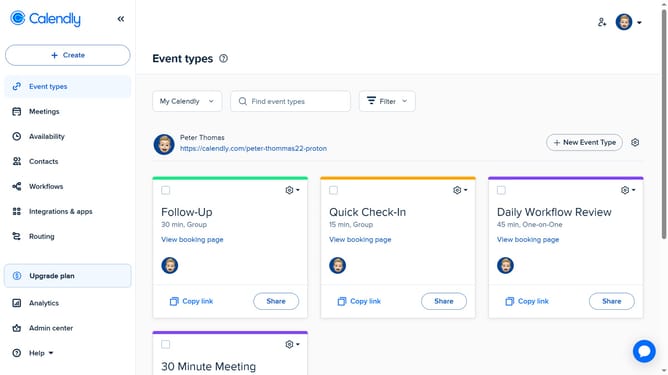
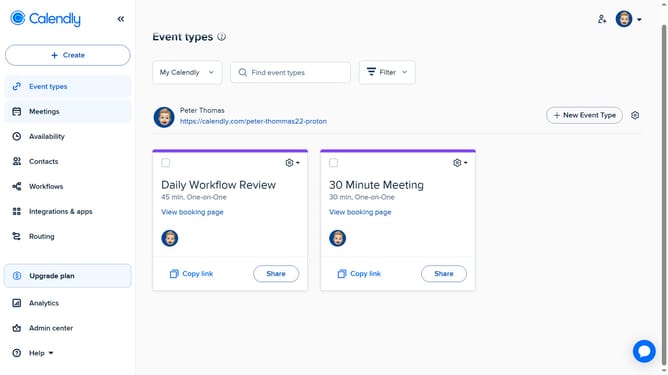
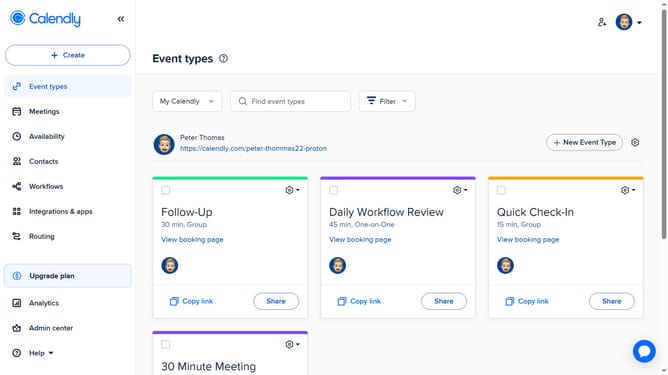
- First click on the "Meetings" option in the left sidebar menu
- Next go to the appropriate tab to view your scheduled meetings
- Then find the meeting you want to check, then click on it to view the details
- Finally a detailed panel will appear showing the date, time, location, invitee information, and any custom questions or notes
Why should you check a meeting's details in Calendly
Calendly is a seamless scheduling tool designed to streamline meeting coordination effortlessly.
Checking a meeting's details in Calendly is intuitive and straightforward, enhancing your productivity by providing instant access to essential meeting information.
This feature ensures that you are always prepared by allowing you to view crucial details like agenda, participants, and timing, all at a glance.
Optimizing your schedule management with Calendly allows you to focus more on engaging in meaningful interactions and less on administrative tasks.
Last update