How to update your name in Calendly
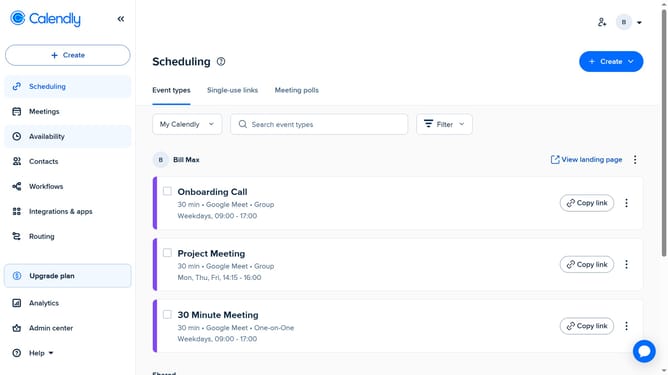
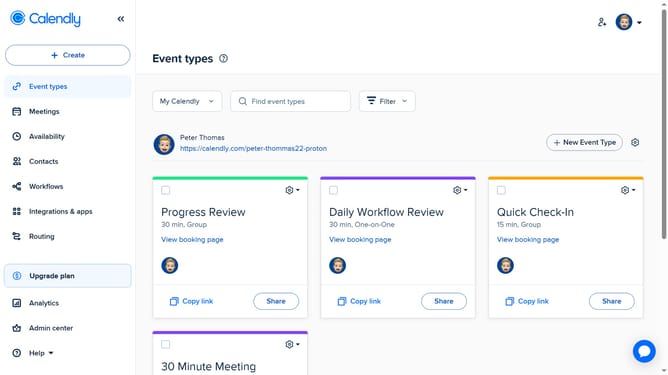
Here is how to update your name in calendly
- First click on the profile picture in the top-right header menu
- Next click on "Profile" option in the dropdown menu
- Locate the "Name" field in the profile form
- Then, click on the name field and enter your new name
- Finally click on the "Save Changes" button at the bottom of the form
Why should you update your name in Calendly
Calendly is your go-to tool for seamlessly scheduling meetings without the back-and-forth emails.
Updating your name in Calendly is a straightforward feature that brings significant benefits to your professional image. It ensures that every scheduling interaction reflects your current identity accurately.
This feature is especially valuable during name changes due to personal or professional circumstances. Keeping your name updated helps maintain consistency across all your business communications, enhancing trust and transparency.
By ensuring your Calendly profile is current, you project a professional presence, making it easier for clients and colleagues to recognize and engage with you.
Last update