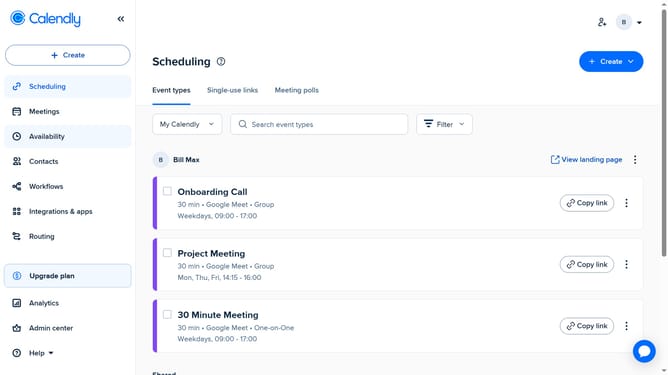
How to update your login settings in Calendly
Here is how to update your login settings in calendly
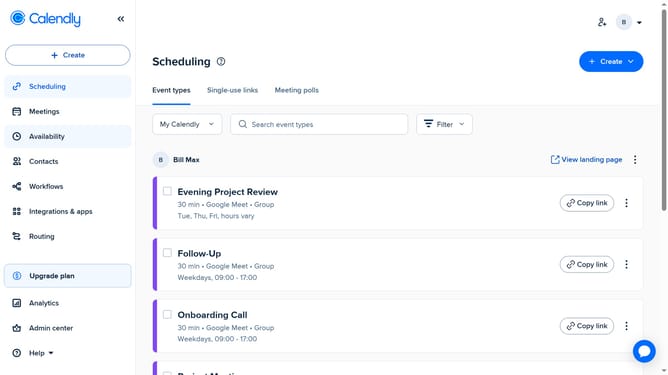
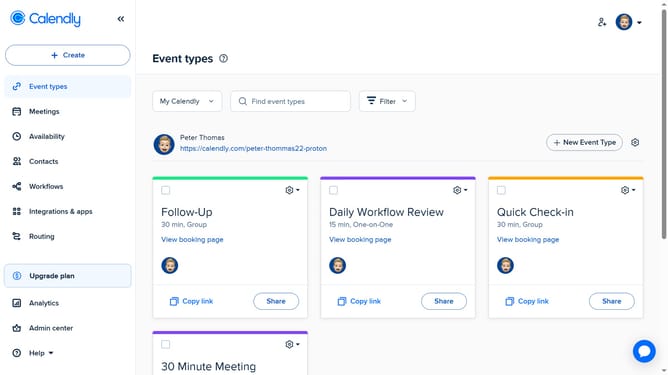
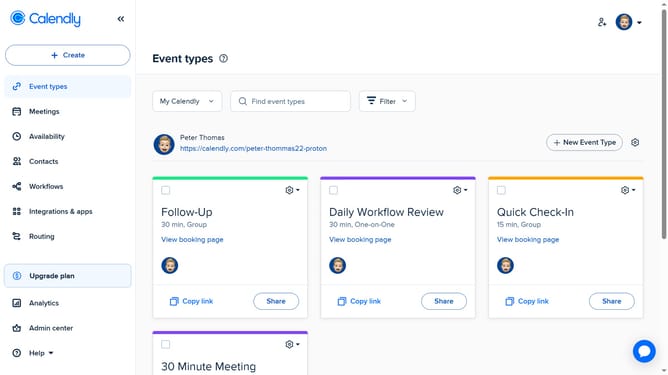
- First click on the profile avatar in the top-right corner of the header to open the user menu
- Next click on the "All settings" option in the dropdown menu
- Then click on "Login preferences" in the left sidebar menu
- Finally in the login preferences page, update your email or password, and enable two-factor authentication as needed
Why should you update your login settings in Calendly
Calendly is a powerful tool designed to streamline your scheduling process, enhancing productivity and ease of use.
Updating your login settings in Calendly is a key feature that ensures enhanced security and personalized access.
Regularly revising these settings helps protect your account from unauthorized access, offering peace of mind.
Moreover, customizing your login options allows a seamless and efficient interaction with the platform, saving you time and effort.
Last update