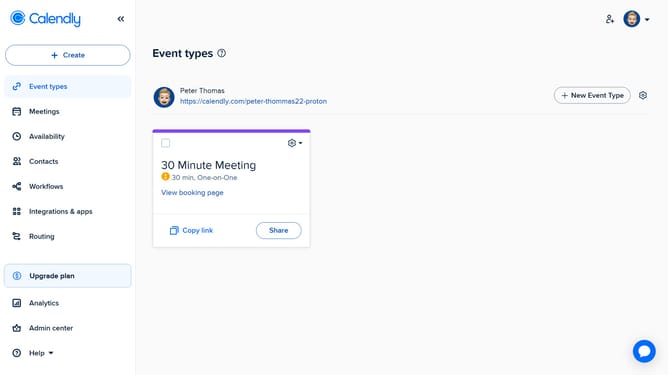
How to copy a team page link in Calendly
Here is how to copy a team page link in calendly
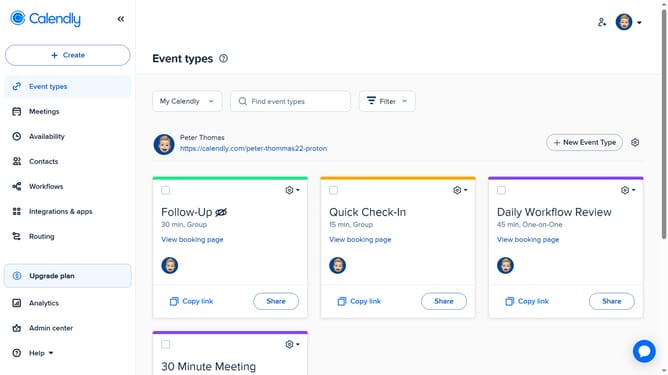
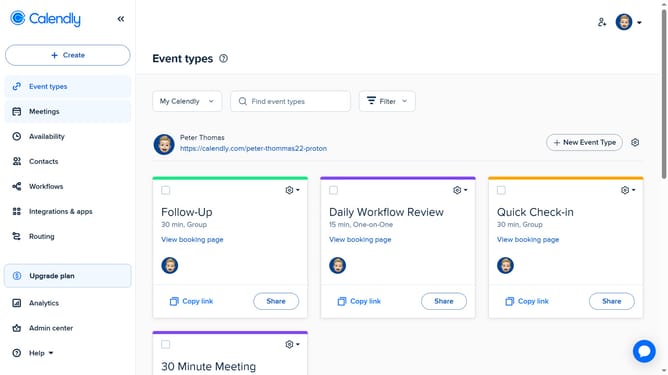
- First navigate to "Event types" in the left sidebar
- Next click on the "My Calendly" dropdown menu in the top toolbar
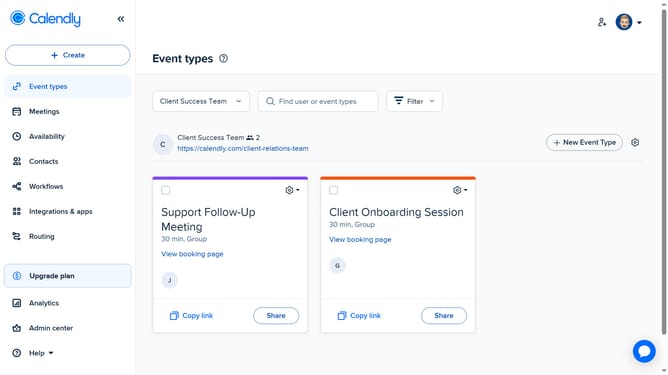
- Select the team whose page you want to share from the dropdown list
- Then click on the settings gear icon next to the "New Event Type" button
- Finally click on "Copy Link" from the dropdown menu that appears
- Your team page link is now copied to your clipboard and ready to share
Why should you copy a team page link in Calendly
Calendly is a powerful scheduling tool designed to simplify and streamline the process of booking meetings and appointments.
Copying a team page link in Calendly allows you to effortlessly share your team's availability with clients or coworkers, ensuring everyone is on the same page. This feature enhances collaboration by providing a centralized location for team scheduling, which can greatly improve productivity and reduce the risk of scheduling conflicts.
Utilizing this feature enhances your workflow, allowing for seamless coordination and communication within teams, ultimately optimizing organizational efficiency.
Last update