How to delete a meeting poll in Calendly
Here is how to delete a meeting poll in calendly
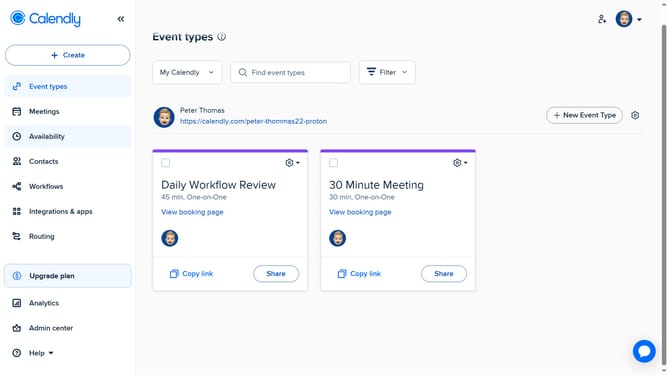
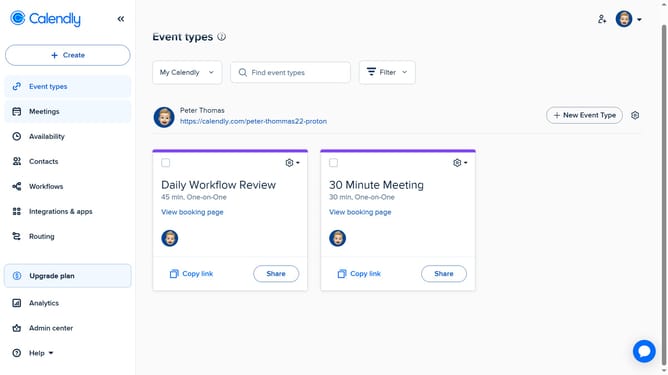
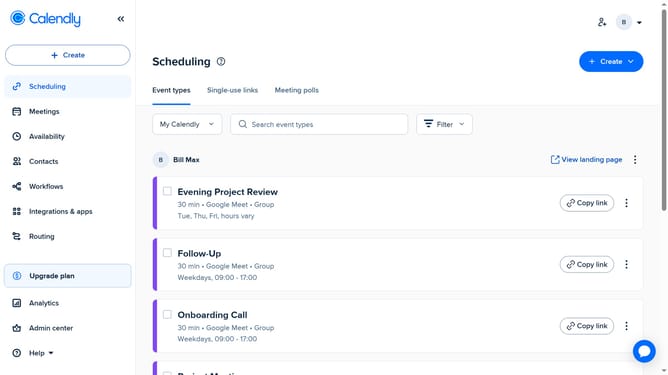
- First click on "Meetings" in the left sidebar menu
- Next click on "Pending" tab in the meetings view
- Locate and click on the meeting poll you want to delete from the list
- Then click on the "Delete" button in the meeting details
- Finally click on "Delete" button in the confirmation dialog
Why should you delete a meeting poll in Calendly
Calendly simplifies scheduling by eliminating the back-and-forth of setting up meetings.
In the dynamic world of event planning, the ability to delete a meeting poll in Calendly is a feature of great convenience. It allows users to keep their scheduling organized and up-to-date, ensuring only relevant polls are active.
Using this feature aids in maintaining a clutter-free dashboard, contributing to more efficient decision-making processes.
A streamlined approach such as this saves time and helps focus energies on planning successful engagements.
Last update