How to delete an availability schedule in Calendly
Here is how to delete an availability schedule in calendly
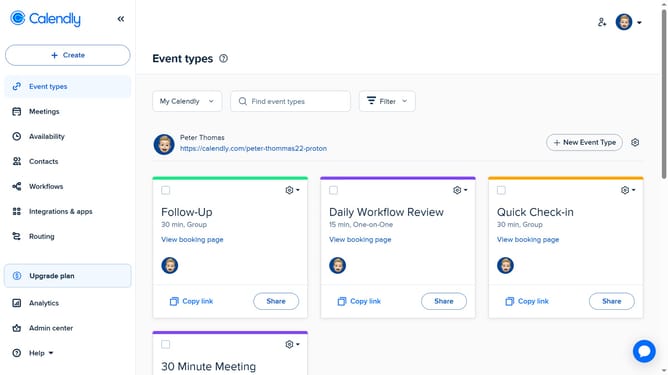
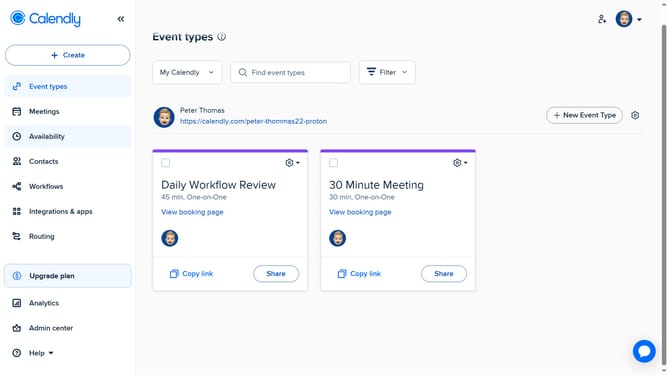
- First navigate to "Availability" in the left sidebar menu
- Next click on "Schedule" dropdown in the Schedules tab
- Select the availability schedule you want to delete from the dropdown menu
- Next click on the three dots menu icon in the top-right corner
- Then click on "Delete" option in the dropdown menu
- Finally click on "Delete schedule" button in the confirmation dialog
Why should you delete an availability schedule in Calendly
Calendly is a streamlined scheduling platform designed to effortlessly manage meeting bookings.
Deleting an availability schedule in Calendly allows you to swiftly adjust your calendar, ensuring it reflects your current priorities and commitments.
This feature enables flexibility, crucial for adapting to dynamic personal or professional life changes without disrupting ongoing engagements.
By keeping your availability up-to-date, you ensure greater control over your time, maximizing productivity and maintaining a balanced schedule.
Last update