How to update your working hours in Calendly
Here is how to update your working hours in calendly
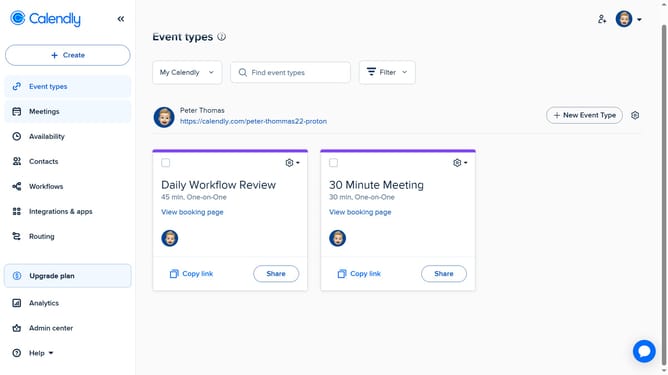
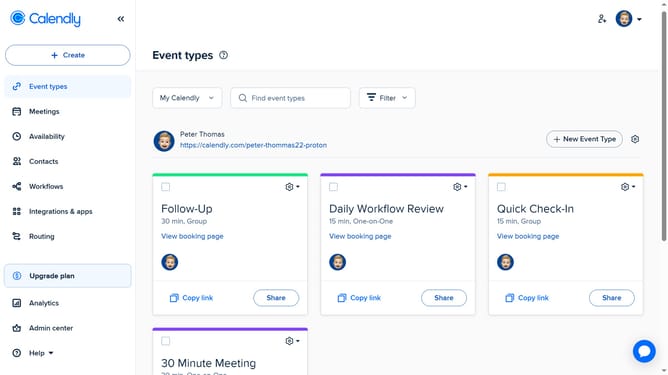
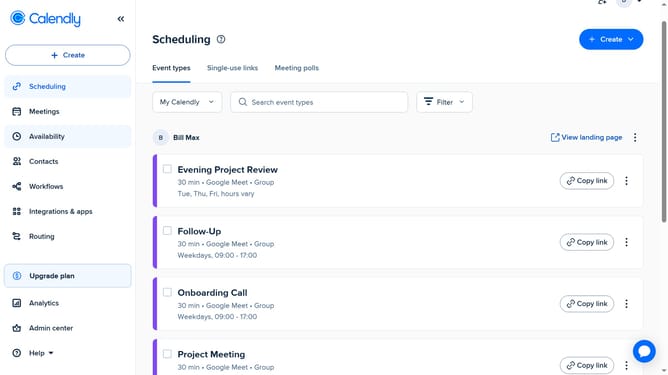
- First click on the "Availability" option in the left sidebar menu
- Next click on the "Schedules" tab in the top navigation bar
- Locate the Weekly Hours section, and edit the schedule by adjusting the times to match your availability
- Then click on the "+" icon to add multiple time blocks in one day if necessary
- The changes will be saved automatically and applied to your availability schedule
Why should you update your working hours in Calendly
Calendly is a user-friendly scheduling tool designed to streamline and simplify appointment bookings.
One of Calendly's handy features is the ability to update your working hours effortlessly. This function ensures that your availability reflects your current schedule, preventing needless overlaps and scheduling conflicts.
By keeping your working hours up to date, you provide a hassle-free experience for clients and colleagues, enhancing productivity and saving time. Correctly setting your hours helps maintain work-life balance by accommodating personal schedules seamlessly.
Last update