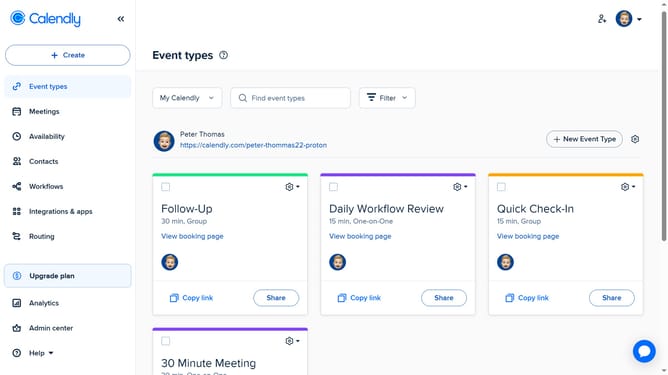
How to copy an event type scheduling link in Calendly
Here is how to copy an event type scheduling link in calendly
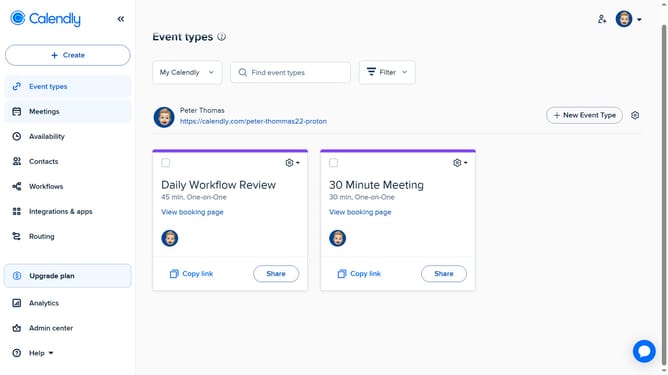
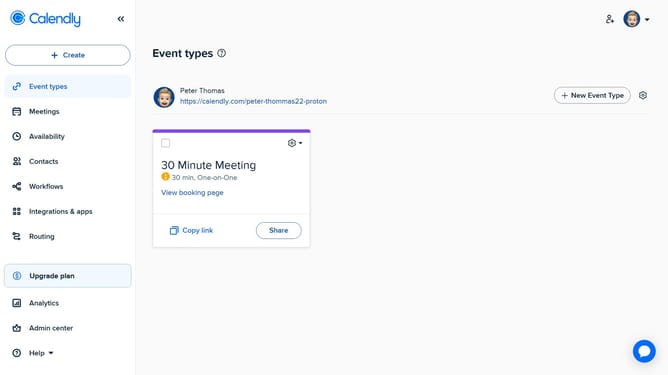
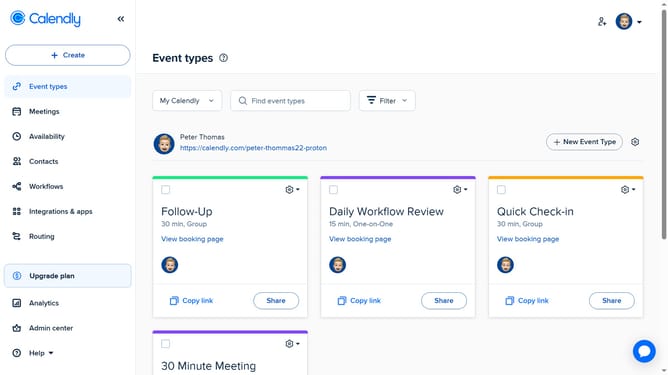
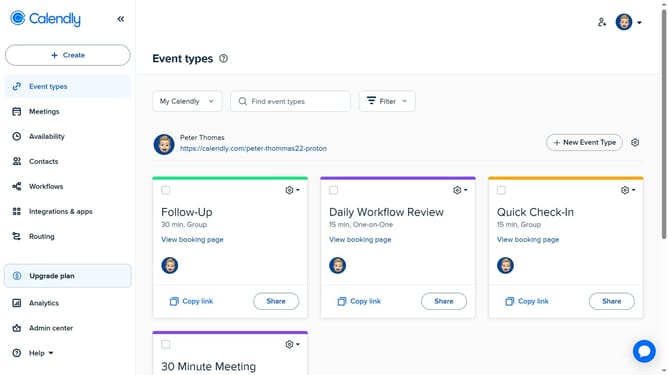
- First click on the "Event types" in the left sidebar menu
- Find the event type for which you want to copy the scheduling link
- Next, click the "Copy link" button on the event type card
- Another option is to click the "Share" button
- Then a sharing modal window will appear, click the "Share a link" tab
- Finally copy the scheduling link by clicking the "Copy Link" button
- Now paste the link anywhere you want to share it (email, chat, website, etc.)
Why should you copy an event type scheduling link in Calendly
Calendly streamlines the scheduling process, ensuring seamless organization and time management.
Copying an event type scheduling link in Calendly is straightforward and provides a convenient way to share your availability with others.
Once copied, these links allow invitees to easily book meetings based on your preset preferences, enhancing efficiency.
By simplifying appointment scheduling, this feature saves time and minimizes the back-and-forth communication often involved in setting up meetings.
Last update