How to share a routing form link in Calendly
Here is how to share a routing form link in calendly
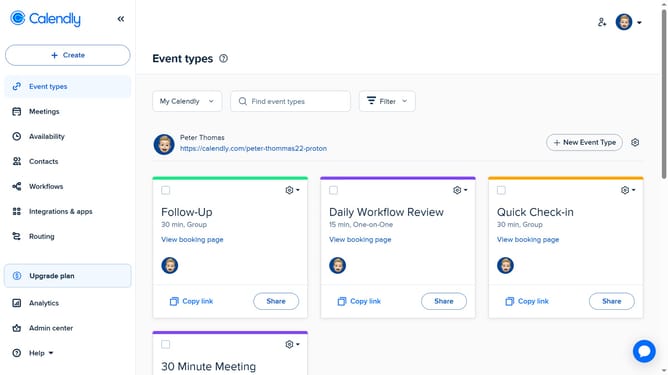
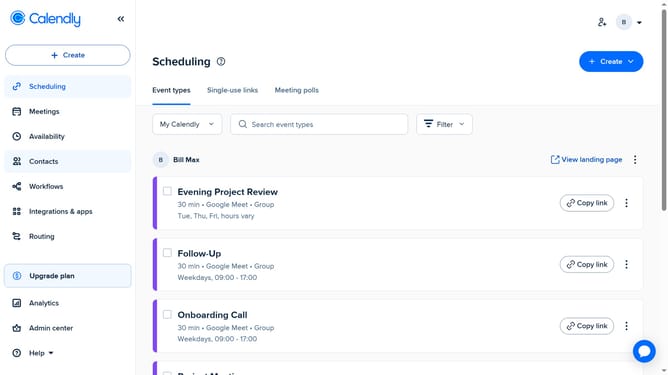
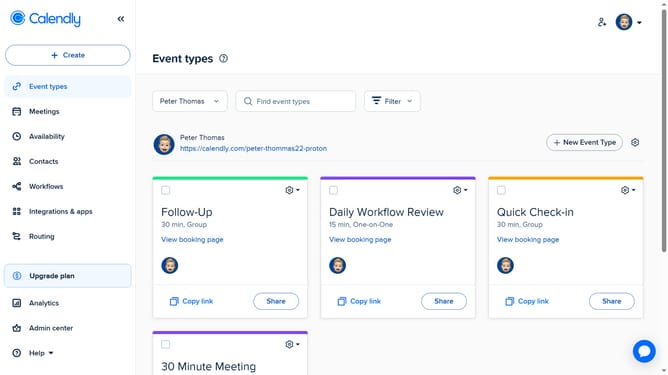
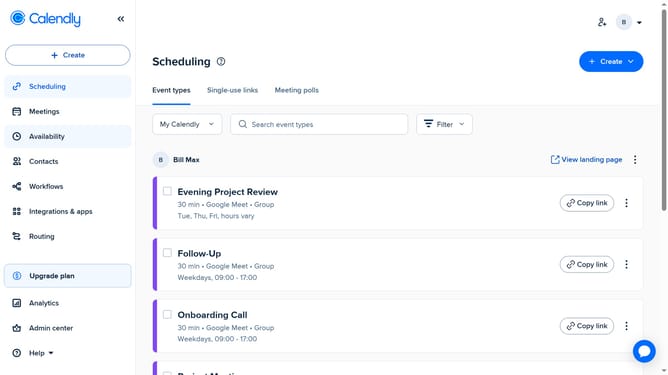
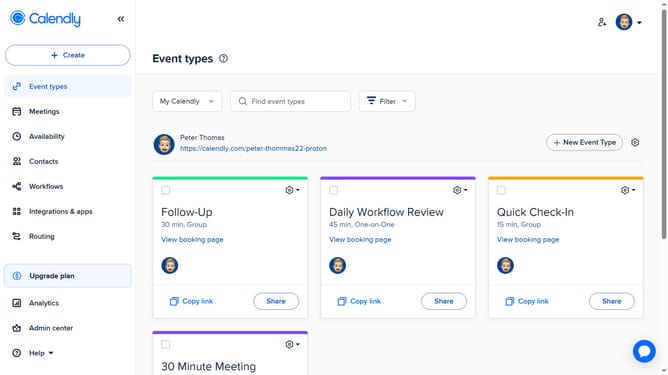
- First navigate to "Routing" in the left sidebar menu
- Locate the routing form you want to share in the list
- Next click on the "Share" button next to the form
- Then click the "Share a link" tab in the sharing dialog
- Finally click the "Copy link" button to copy the routing form URL and share it with your invitees
Why should you share a routing form link in Calendly
Calendly is an intuitive scheduling tool designed to simplify how people connect online.
Sharing a routing form link in Calendly is a feature that enhances the scheduling experience, allowing for seamless and efficient meeting management.
This feature aids in directing invitees to the right type of meeting, ensuring relevant interactions and saving precious time.
By using this, users can streamline their appointment processes, leading to more productive engagements and better relationship management.
Last update