How to include buffers on your calendar in Calendly
Here is how to include buffers on your calendar in calendly
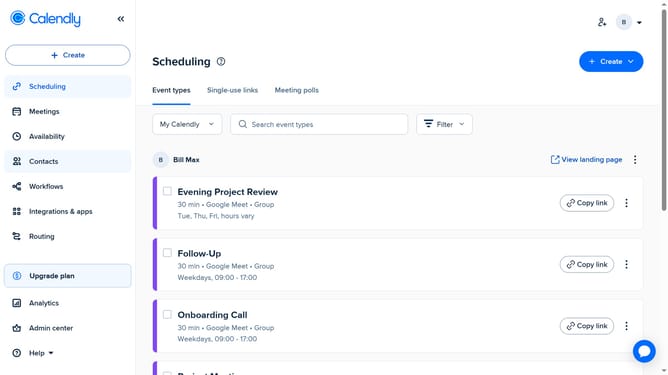
- First click on "Availability" in the left sidebar menu
- Next click on "Calendar settings" tab in the top navigation
- Then locate the “Sync settings” section in the Calendar settings page
- Finally check the “Include buffers on this calendar” option
Why should you include buffers on your calendar in Calendly
Calendly is a streamlined scheduling tool designed to simplify how you book meetings and appointments.
Including buffers on your calendar in Calendly is an excellent feature to manage your time more effectively. It allows you to set aside breaks between appointments, ensuring you have adequate time to prepare for your next meeting or simply catch your breath.
By using buffers, you can enhance productivity by reducing back-to-back engagements, minimizing stress, and ensuring you stay refreshed throughout your day. It's a simple way to maintain a balanced schedule and keep your commitments manageable.
Last update