How to customize an event type in Calendly
Here is how to customize an event type in calendly
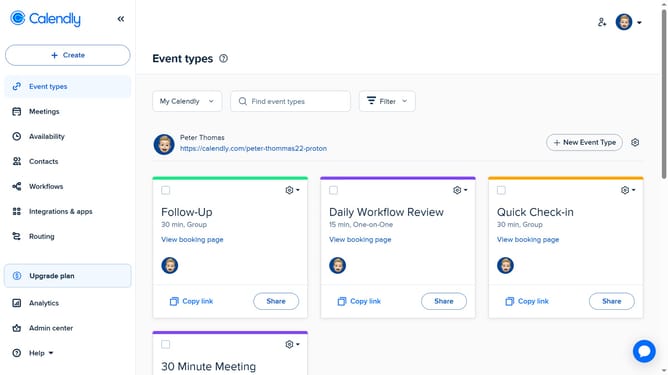
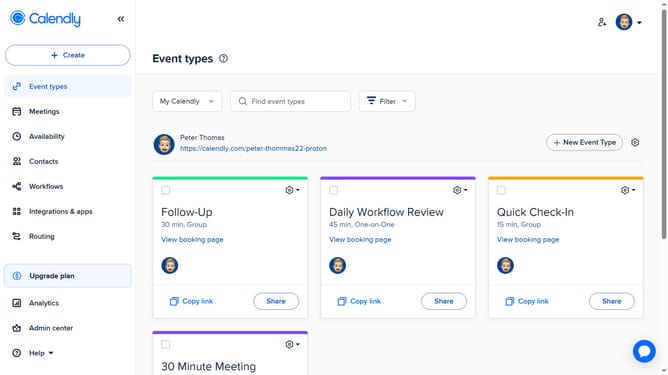
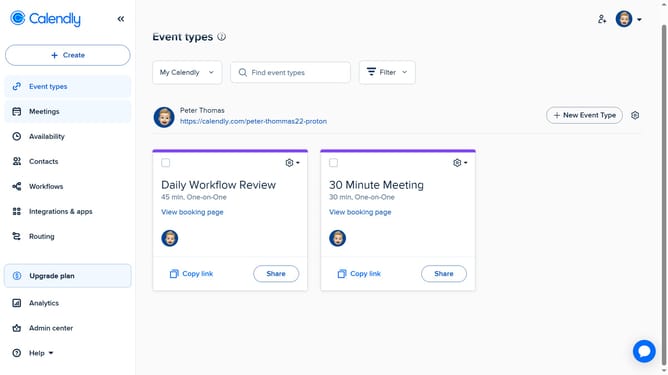
- First click on the "Event types" in the left sidebar
- Next locate and click on the event you want to customize
- In the right panel settings, you can edit primary details like event name, duration, location, and availability
- To access advanced settings, click the "More options" button
- Then from here, you can add description, limits and buffers, booking page options, and more
- Finally click the "Save changes" button after making your changes
Why should you customize an event type in Calendly
Calendly is a streamlined scheduling tool designed to simplify meeting coordination.
Customizing an event type in Calendly allows users to tailor meeting details that fit specific needs. This feature empowers users to adjust the duration, location, and availability, ensuring that meeting times align with their schedule effortlessly.
By personalizing event types, users can create a seamless experience for attendees, reducing back-and-forth communication. This flexibility enhances productivity and avoids scheduling conflicts, making the entire process more efficient and user-friendly.
Last update