How to change the meeting location for an event type in Calendly
Here is how to change the meeting location for an event type in calendly
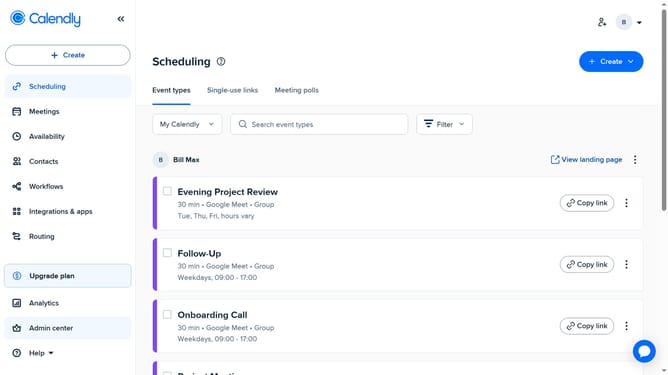
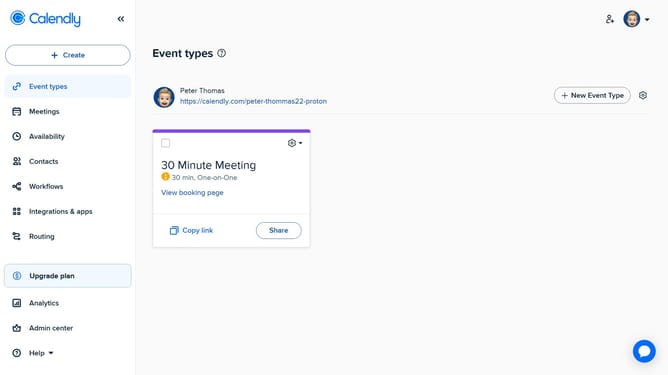
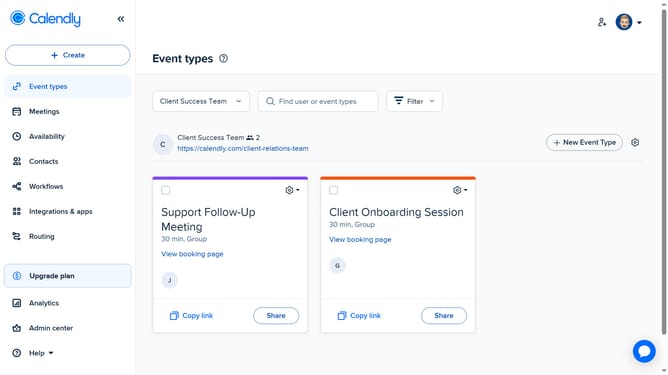
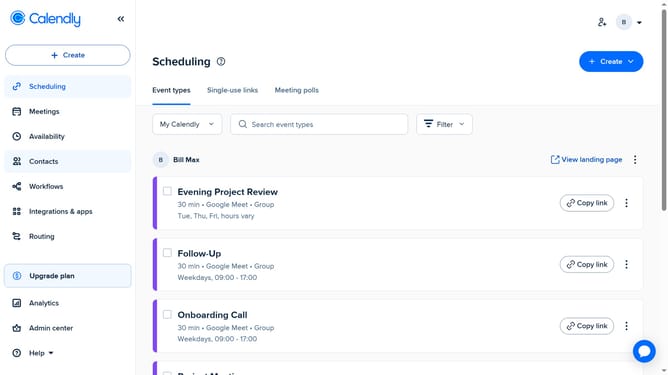
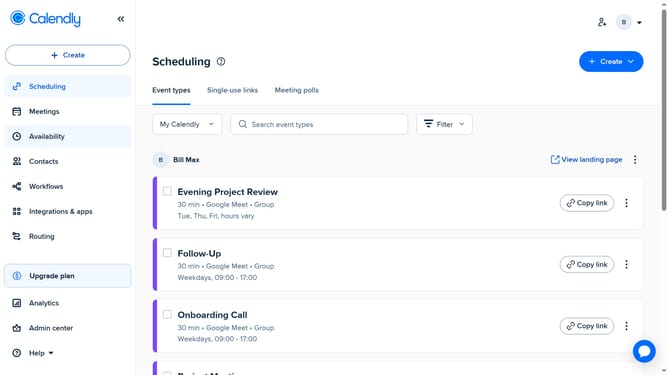
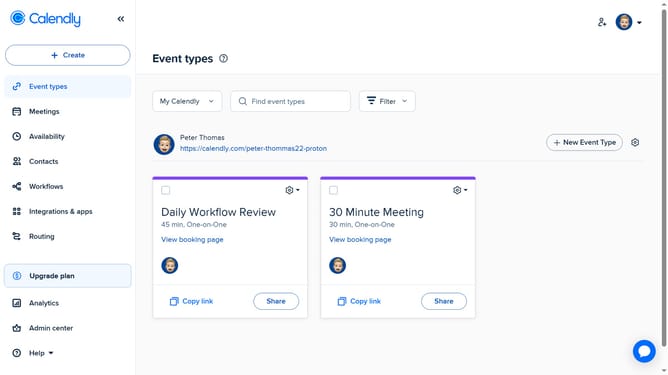
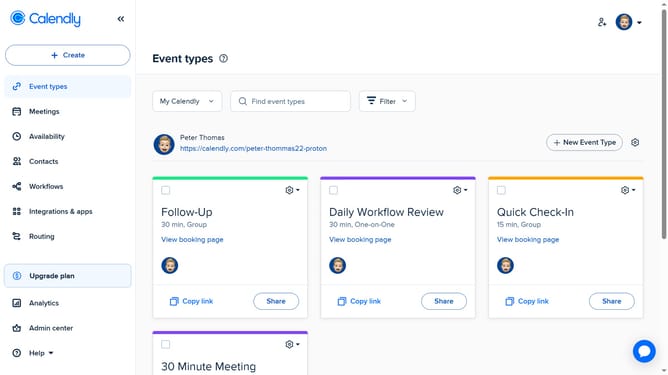
- First click on "Event types" in the left sidebar menu
- Find the event type for which you want to change the meeting location and click on it
- Next click on "Location" dropdown in the event settings panel
- Then click on the "X" icon to remove the current meeting location
- Then choose the new meeting location from the available options (e.g., Zoom, Google Meet, Phone Call, In-person, etc.)
- If you selected a tool like Zoom, make sure your account is connected and configured properly
- Finally click "Save changes" button to confirm and apply the new location
Why should you change the meeting location for an event type in Calendly
Calendly is a seamless scheduling tool designed to simplify meeting coordination.
Changing the meeting location for an event type in Calendly streamlines adjustments, ensuring clarity and reducing last-minute confusion for all participants. This flexibility means you can adapt quickly to various circumstances, enriching the overall scheduling experience.
Makes your scheduling more adaptive and responsive, fostering improved communication and efficiency. By being able to modify locations effortlessly, you increase the likelihood of successful and punctual meetings, benefiting all attendees.
Last update