How to create a back-office ticket type in Intercom
Here is how to create a back-office ticket type in intercom
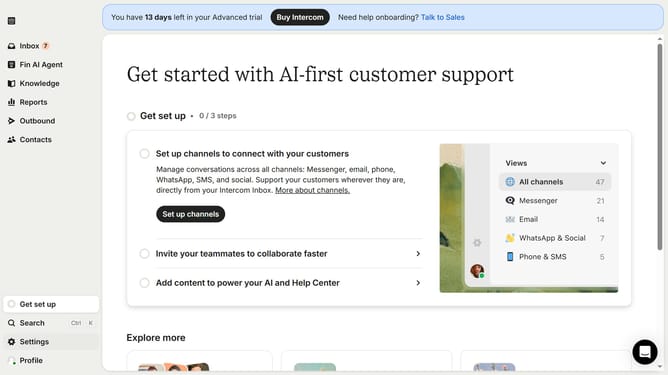
- First click on "Settings" in the left sidebar
- Then click on "Inbox" menu item in the settings sidebar
- Next click on "Tickets" option under the Inbox section
- Click on "Create ticket type" button in the top right corner
- Click on the dropdown menu in the ticket creation modal
- Select "Back-office" option from the ticket category dropdown
- Enter text in the "Name" field
- Finally click the "Create" button in the top right corner of the modal
Why should you create a back-office ticket type in Intercom
Intercom is a versatile platform designed to foster better customer relationships through its powerful communication tools.
The option to create a back-office ticket type in Intercom enhances the ability to manage internal workflows efficiently. It streamlines internal communications by directing backend issues to the right teams, away from customer-facing channels.
This feature ensures that back-office operations run smoothly, leading to faster issue resolution and improved team collaboration, ultimately boosting overall productivity.
Last update