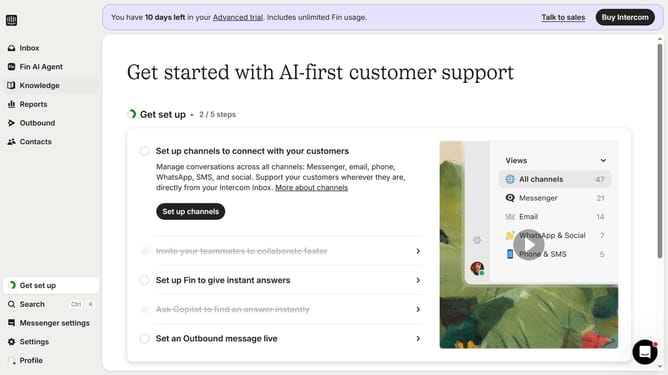
How to create custom attributes on Intercom
Here is how to create custom attributes on intercom
- First click on settings at the left toolbar
- Then click on "Data" in the sidebar
- Then click on "People" in the sidebar
- Then click on "+ Create Attribute" button
- Then type your attribute name into the "Name" input field
- Finally click on the "Save" button
Why should you create custom attributes on Intercom
Intercom is a versatile messaging platform designed to connect businesses with their customers seamlessly.
Creating custom attributes on Intercom allows businesses to tailor their interaction with users by capturing specific data points relevant to their needs.
This feature provides greater insight into customer preferences, enabling personalized communication strategies that enhance user experience and engagement.
By harnessing these insights, businesses can optimize their outreach and support efforts, driving customer satisfaction and loyalty.
Last update