How to send a scheduled email in Intercom
Here is how to send a scheduled email in intercom
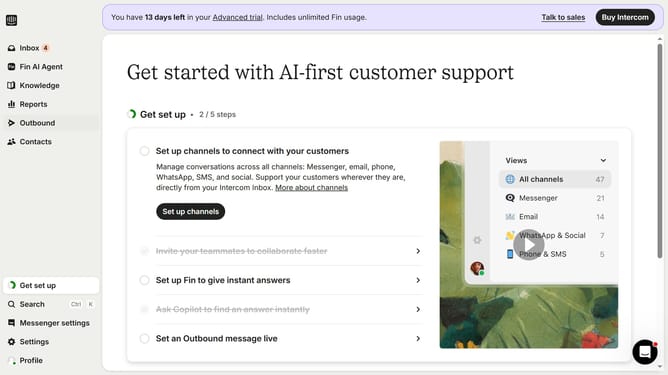
- First click on "Outbound" in the left sidebar menu
- Then click on "New message" button in the top right corner
- Click on "Email" option in the template selection dialog
- Select a template from the available email templates
- Click "Use this template" button in the top right corner
- Click on "Frequency and scheduling" dropdown section
- Click on "Custom date" option under Start sending
- Finally select the date and time you want to send the email in the custom date picker
Why should you send a scheduled email in Intercom
Intercom is a powerful platform designed to streamline customer communication and engagement.
One of its standout features is the ability to send scheduled emails effortlessly. By scheduling emails, you ensure timely communication tailored to your audience's needs, enhancing customer experience.
This feature allows for strategic planning of outreach, optimizing engagement when it's most effective.
Incorporating scheduled emails into your strategy ensures consistent and effective communication without the stress of manual timing.
Last update