How to send a scheduled survey in Intercom
Here is how to send a scheduled survey in intercom
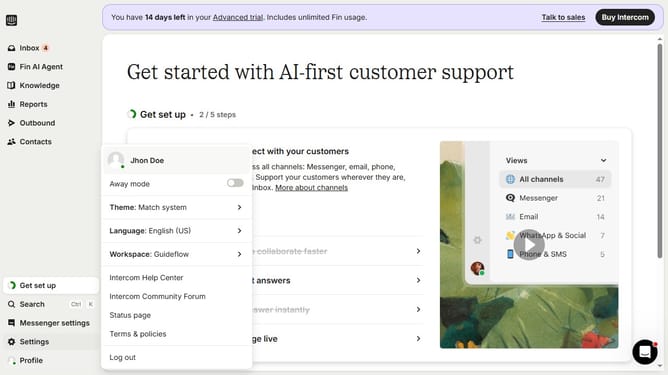
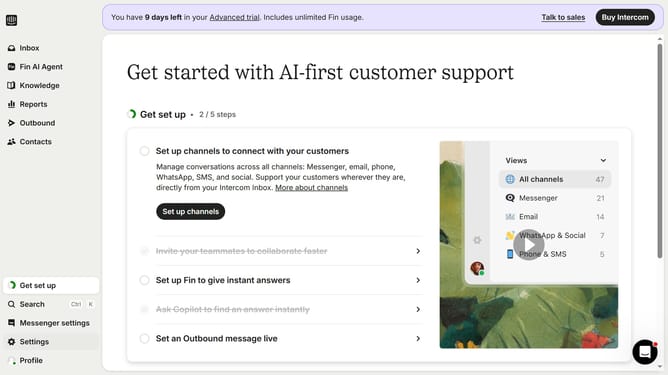
- First click on the "Outbound" item in the left sidebar menu
- Then click on the "New message" button in the top-right corner of the Messages page
- Next click on the "Survey" template option in the template selection modal
- Then click on the "Frequency and scheduling" section in the survey settings
- Select "Custom date" under the Start sending options
- Finally select the date and time you want to send the survey in the custom date picker
Why should you send a scheduled survey in Intercom
Intercom empowers businesses to engage with their audience through personalized and timely communication.
The ability to send a scheduled survey in Intercom helps companies gather essential feedback at the perfect moment. By automating survey distribution, brands can ensure they capture customer insights without delay, driving informed decisions.
This feature means businesses can maintain consistent contact with their customers, fostering a stronger relationship. Scheduled surveys also maximize response rates, providing better data for enhancing products and services.
Last update