How to add a message to a workflow in Intercom
Here is how to add a message to a workflow in intercom
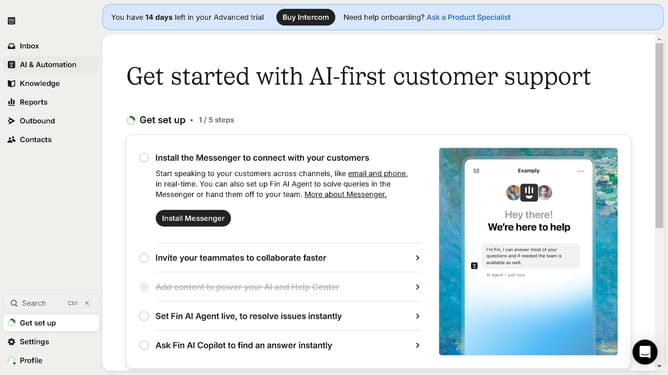
- First click on "AI & Automation" in the left sidebar menu
- Then click on "Workflows" in the left sidebar submenu
- Next click on workflow item in the workflows list
- Then click on "Add step" button in the workflow editor
- Click on the "Search" field in the top menu of the workflow editor
- Finally click on "Message" path in the Add content to path dropdown menu
Why should you add a message to a workflow in Intercom
Intercom is a versatile customer communication platform designed to enhance customer engagement and support.
One of its intuitive features, adding a message to a workflow, allows businesses to seamlessly communicate with users at crucial points in their journey.
This capability ensures that users receive timely, relevant information tailored to their needs, enhancing their experience and boosting conversion rates.
Integrating messages in workflows not only streamlines communication but fosters better customer relationships and operational efficiency.
Last update