How to enable PDF files for Fin on Intercom
Here is how to enable pdf files for fin on intercom
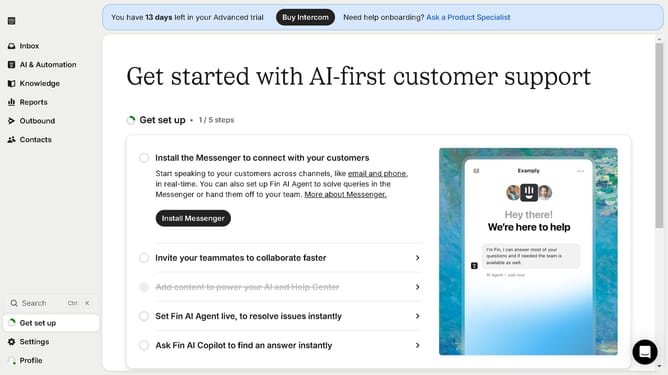
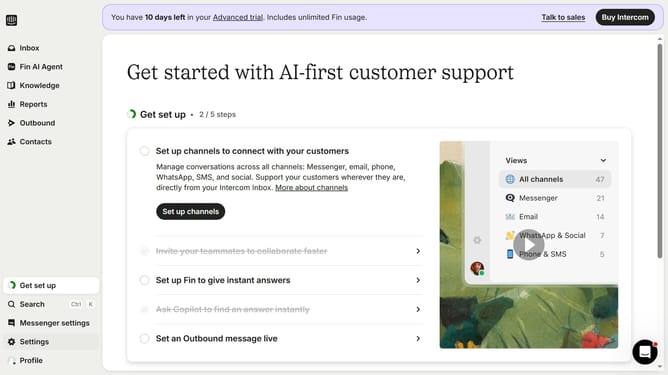
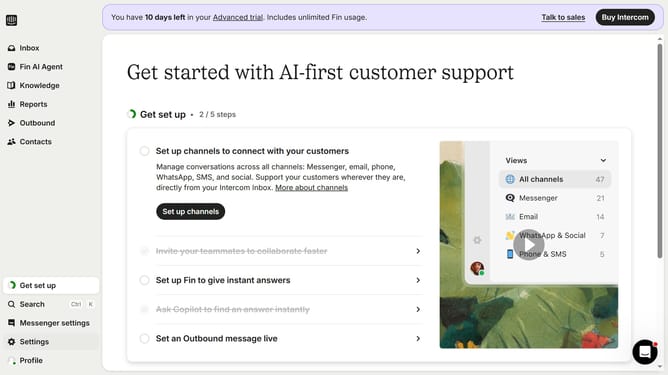
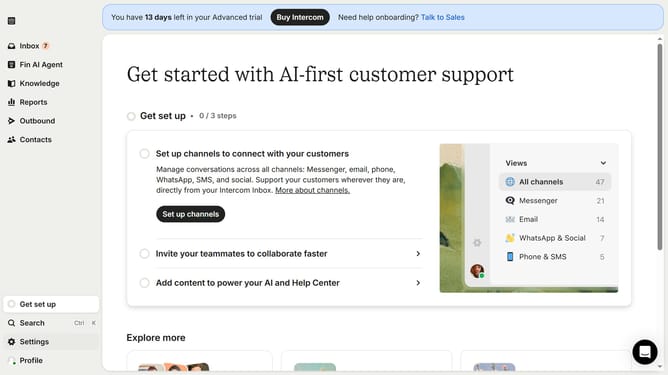
- First click on the "Knowledge" item in the left sidebar
- Click on the PDF file on the content list
- Next click on the "Details" button in the top-right corner of the article
- Finally click on the "Fin AI" toggle switches to enable them
Why should you enable PDF files for Fin on Intercom
Intercom is an interactive communication platform designed to enhance customer engagement and support efficiency.
Enabling PDF files for Fin on Intercom unlocks new possibilities for streamlined information sharing.
This feature offers seamless integration, allowing users to easily manage and access important documents.
Using PDFs enhances clarity, ensures secure information exchange, and boosts productivity by enabling quick reference to essential data.
Last update