How to disable auto-detection of customer emails in Intercom
Here is how to disable auto-detection of customer emails in intercom
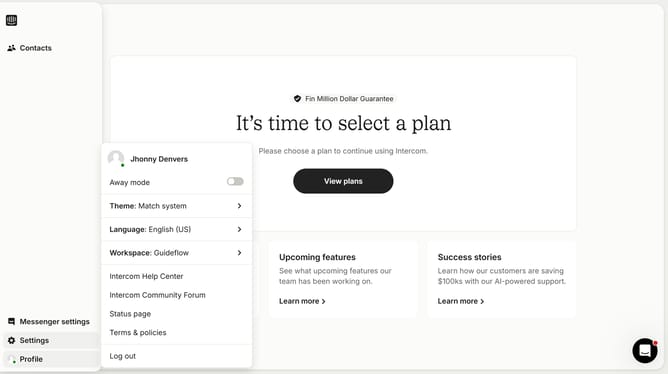
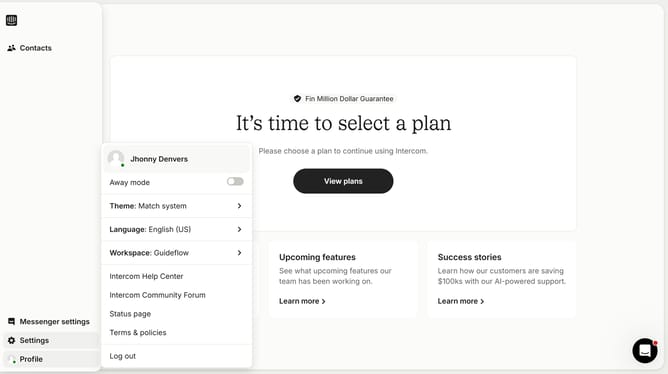
- First click on "Settings" in the left sidebar
- Then click on "Channels" in the Workspace section of the left sidebar
- Next, click on "Email" under the Messenger section in the left sidebar
- Then click on "Email settings" button
- Finally, click on the toggle to disable auto-detection of emails
Why should you disable auto-detection of customer emails in Intercom
Intercom is a versatile messaging platform designed to enhance customer communication and engagement.
Disabling auto-detection of customer emails in Intercom can streamline the management of your customer interactions.
This feature ensures more control over data entry and reduces the chance of unintended email captures, which can enhance privacy protocols.
Utilizing this function promotes a more tailored experience by allowing you to focus on the specific data that matters to your business strategy.
Last update