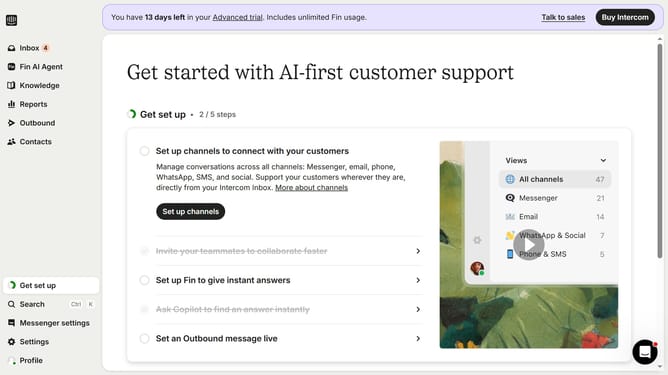
How to disable converting inbound emails to tickets in Intercom
Here is how to disable converting inbound emails to tickets in intercom
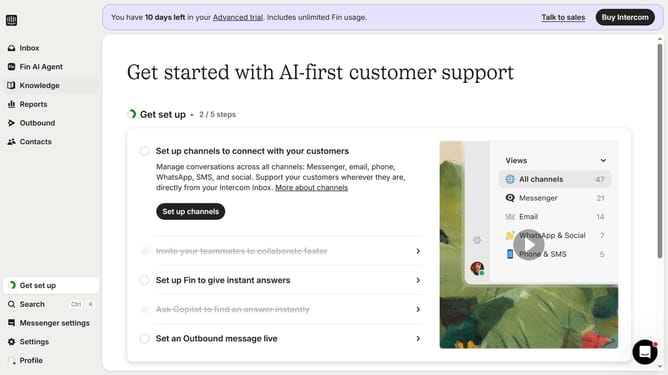
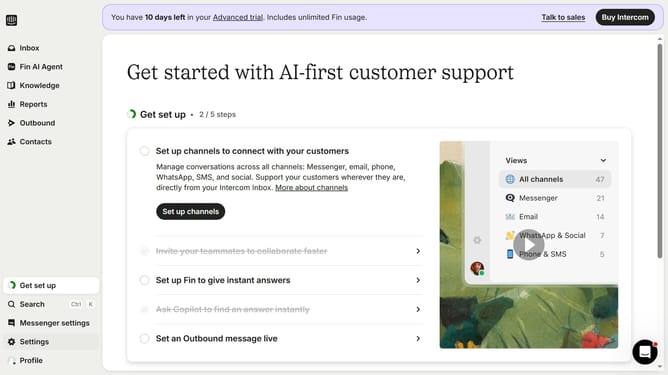
- First click on "Settings" item in the left sidebar
- Then click on "Channels" item in the left sidebar
- Next click on "Email" item under Messenger in the left sidebar
- Then click on "Email settings" tab
- Finally click the toggle OFF button to "Convert inbound emails to tickets"
Why should you disable converting inbound emails to tickets in Intercom
Intercom is a versatile platform designed to enhance customer communications through streamlined interactions.
The feature of disabling email conversions to tickets in Intercom provides flexibility for businesses. It allows them to prioritize important communications without automatically converting every inbound email into a ticket.
Employing this feature means teams can focus their efforts on more urgent matters while maintaining efficiency. This customization enhances workflow and better aligns with unique operational needs.
Last update