How to change outbound email message sender on Intercom
Here is how to change outbound email message sender on intercom
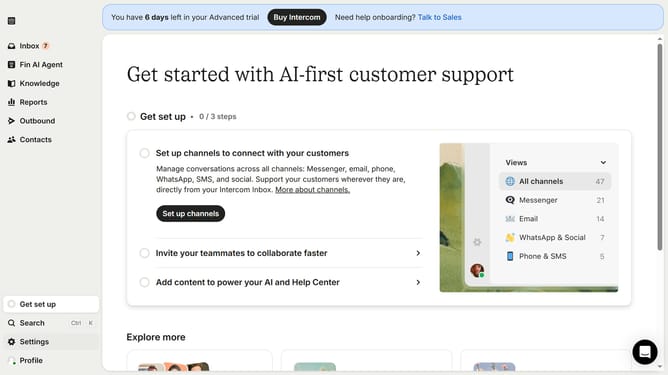
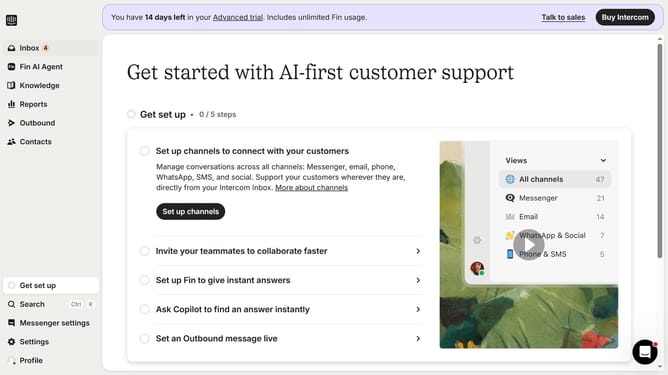
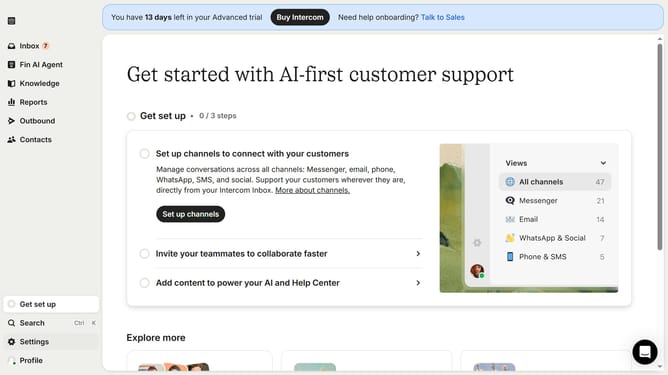
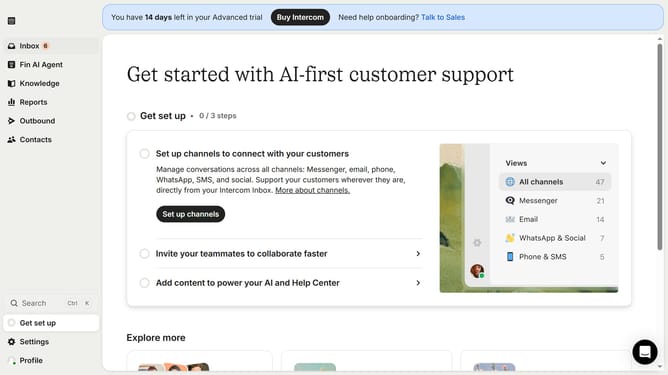
- First click on "Outbound" option in the sidebar
- Then click on the email that you want to manage in the list of messages
- Then click on "Edit" button
- Then click on the dropdown under "From"
- Then select the new sender from the dropdown list
- Finally click on "Save and close" button
Why should you change outbound email message sender on Intercom
Intercom is a powerful platform designed to revolutionize the way businesses connect and communicate with their customers.
With the ability to change the outbound email message sender on Intercom, businesses can maintain consistency across their communication channels. This feature allows users to personalize the sender identity, enhancing brand recognition and trust among customers.
By customizing the sender information, businesses can ensure that their messages appear professional and are readily identifiable, increasing the likelihood of engagement and response.
Ultimately, this functionality supports a seamless customer experience, fostering stronger relationships and driving business success.
Last update