How to duplicate a back-office ticket type in Intercom
Here is how to duplicate a back-office ticket type in intercom
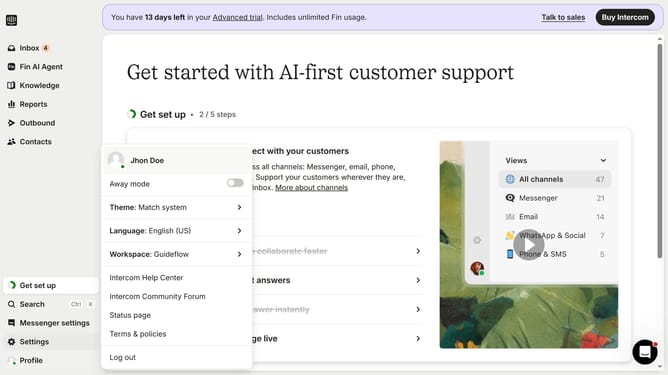
- First click on the "Settings" option in the left sidebar menu
- Then click on the "Inbox" section in the settings sidebar
- Next click on the "Tickets" option under the Inbox submenu
- Then click on the edit icon in the ticket types list
- Next click on the "Duplicate" button in the top-right corner of the ticket settings page
- Finally click on the "Duplicate" button in the confirmation dialog to create a copy of the ticket type
Why should you duplicate a back-office ticket type in Intercom
Intercom is a powerful communications platform designed to enhance customer interactions and support.
One versatile feature of Intercom is the ability to duplicate back-office ticket types efficiently.
This functionality allows businesses to streamline their processes by creating consistent ticket templates, saving valuable time and ensuring uniform responses.
Duplicating ticket types not only promotes efficiency but also empowers teams to maintain quality service standards effortlessly.
Last update