How to set custom hours for holidays and closure hours on Intercom
Here is how to set custom hours for holidays and closure hours on intercom
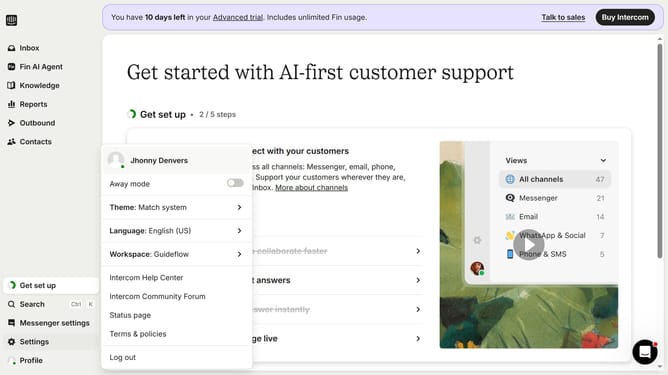
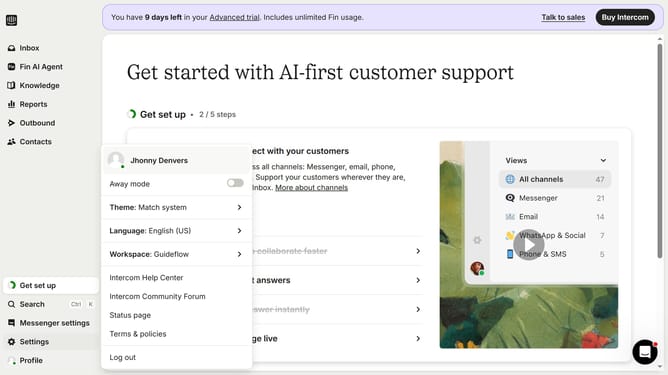
- First click on "Settings" item in the sidebar
- Then click on "Office hours" item in the sidebar
- Then click on the pencil icon to edit the office hours
- Then click on the dropdown menu for "Exception type"
- Then select "Custom hours" from the dropdown menu
- Then click on the starting hours and input time
- Then click on the end time input and enter time
- Finally click on the "Update exception" button
Why should you set custom hours for holidays and closure hours on Intercom
Intercom is a dynamic platform designed to enhance customer communications effortlessly.
Setting custom hours for holidays and closures on Intercom is a powerful feature that ensures seamless customer support management and better planning. It helps your team provide accurate responses to customers by informing them about your operational hours in advance.
This feature guarantees that customers receive timely support, even during non-business days, enhancing their experience and satisfaction. Your team can focus on other critical tasks, knowing that communication is effectively managed.
Last update