How to create a checklist message in Intercom
Here is how to create a checklist message in intercom
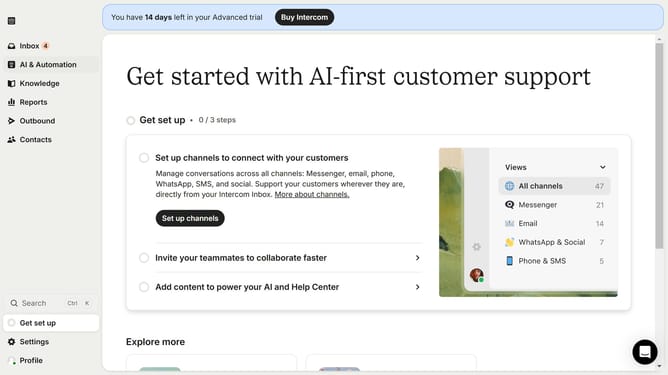
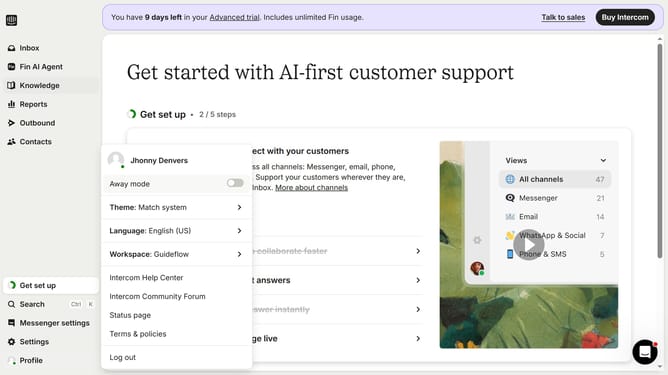
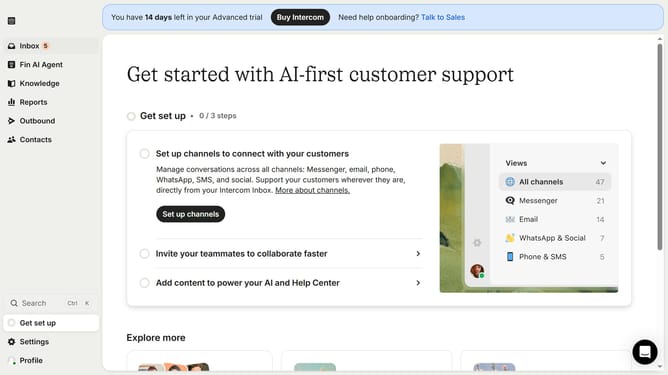
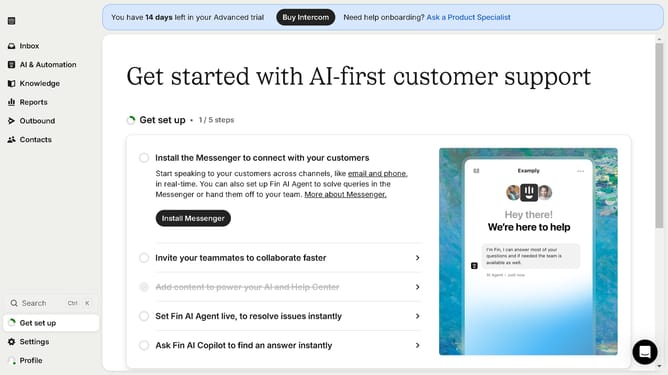
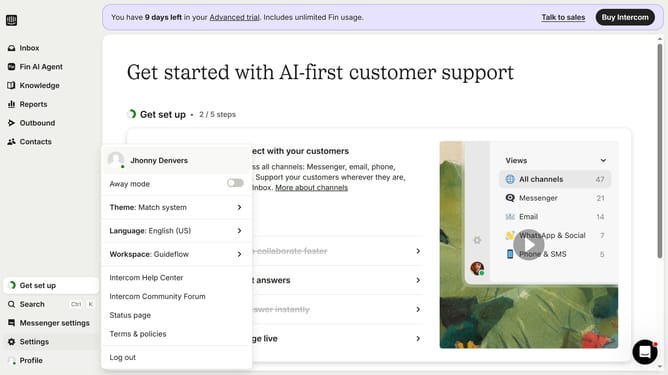
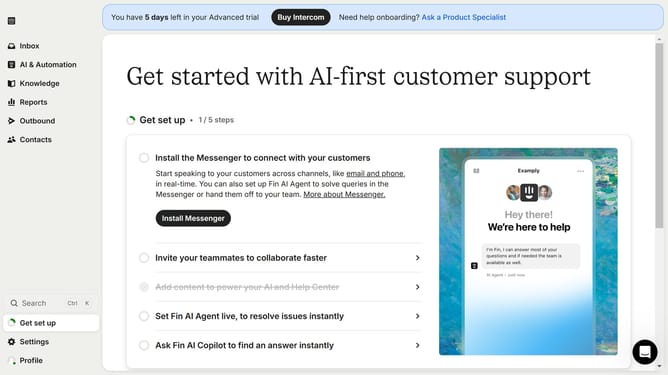
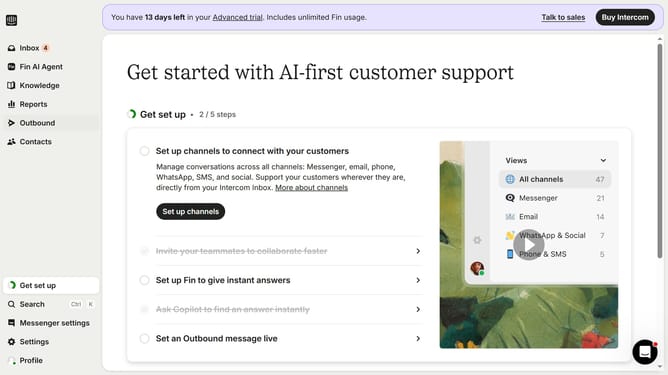
- First click on the "Outbound" option in the left sidebar navigation menu
- Then click on the "New message" button located in the top-right corner of the Messages page
- Finally click on the "Checklist" template option in the template selection modal window
Why should you create a checklist message in Intercom
Intercom is a dynamic platform that elevates customer communication through innovative tools.
Creating a checklist message in Intercom is a streamlined feature that helps you drive customer engagement proactively.
By utilizing this feature, you can guide users through processes seamlessly, ensuring they don’t miss crucial steps, thereby enhancing their overall experience.
This can lead to increased customer satisfaction and loyalty, as users appreciate clear and structured guidance easily provided by checklist messages.
Last update