How to create a workflow on Intercom
Here is how to create a workflow on intercom
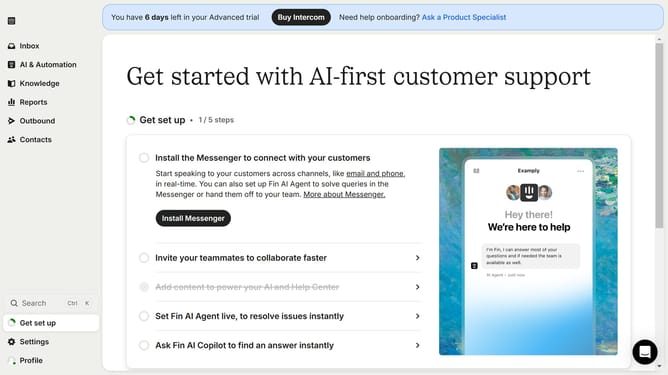
- First click on "AI & Automation" in the left sidebar menu
- Then click on "Workflows" in the left submenu under AI & Automation
- Next click on "New workflow" button in the top-right corner of the page
- Then click on the preferred option in the dropdown menu
- Finally click on the preferred trigger provided in the modal window to create your workflow
Why should you create a workflow on Intercom
Intercom is a powerful communication platform designed to help businesses connect with their customers in meaningful ways.
Creating a workflow on Intercom streamlines your customer interactions and enhances efficiency by automating repetitive tasks. Workflows help align team efforts and ensure consistent message delivery, resulting in a better customer experience.
By utilizing workflows, you ensure seamless transitions across different touchpoints, which improves customer satisfaction and optimizes internal processes. This benefits businesses by saving time and resources, allowing teams to focus on what matters most – building relationships.
Last update