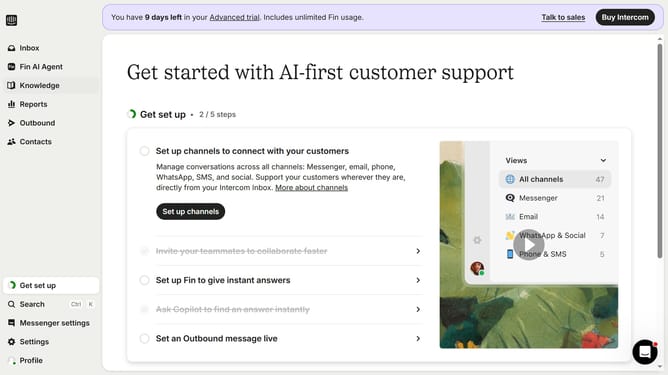
How to add an article to your steps on Intercom
Here is how to add an article to your steps on intercom
- First click on the "Outbound" button in the left sidebar
- Then click on the item message in the main content area
- Next click on the step item in the checklist content area
- Next click on the dropdown menu in the Actions section
- Then click the "Open an Article" option from the dropdown menu
- Next click on the dropdown menu in the Article section
- Then click on the article you want to apply on your step
- Next click on the "Add button text" button in the selected step to edit the text
- Finally click on the "Save and close" button in the top toolbar to save changes
Why should you add an article to your steps on Intercom
Intercom is a versatile communication platform designed to enhance customer engagement by providing seamless interactions between businesses and their clients.
Adding articles to your steps on Intercom enhances the customer experience by supplying valuable content exactly when and where it's needed.
This feature allows for deeper insights and understanding, enabling users to instantly access helpful information and resolve queries on their own.
It empowers customers, reduces support queries, and streamlines communication by offering actionable assistance straight from the workflow.
Last update