How to activate malicious link warnings in Intercom
Here is how to activate malicious link warnings in intercom
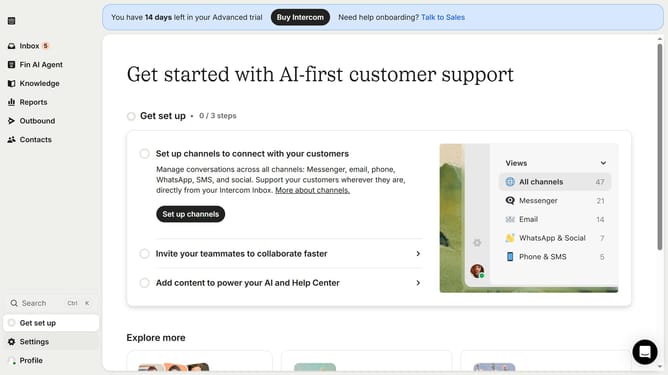
- First click on the "Settings" button in the left sidebar menu
- Then click on the "Workspace" section in the settings navigation menu
- Next select the "Security" option under the Workspace submenu
- Then click on the "Links" section in the Security settings page
- Now click on the "Malicious warnings" toggle switch to enable this security feature
Why should you activate malicious link warnings in Intercom
Intercom is a powerful tool designed to enhance communication between businesses and their customers.
Activating malicious link warnings in Intercom is essential for safeguarding your communications against potential threats.
This feature automatically alerts users to potentially harmful links, ensuring a safer interaction environment.
By implementing this, you are not only protecting sensitive information but also building trust with your users, ensuring their confidence in your platform.
Last update