How to integrate Pipedrive with Intercom
Here is how to integrate pipedrive with intercom
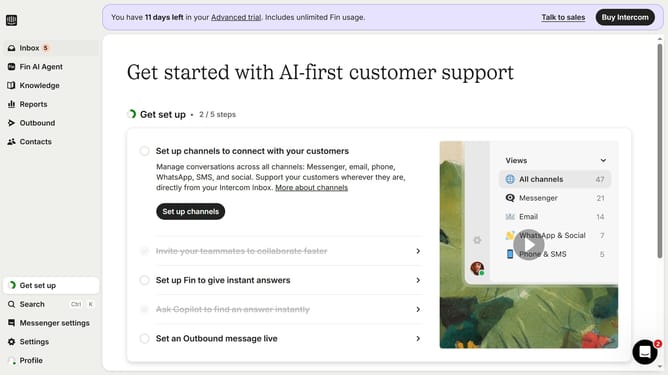
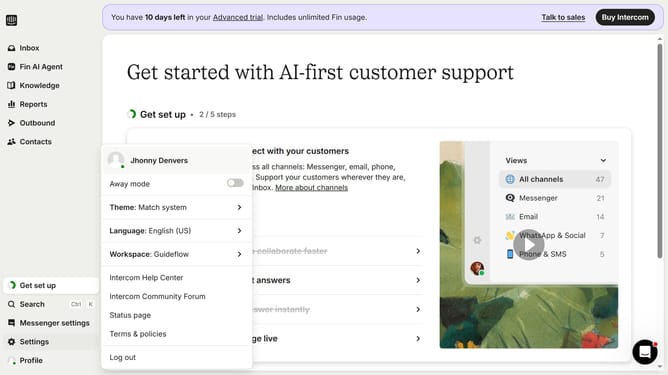
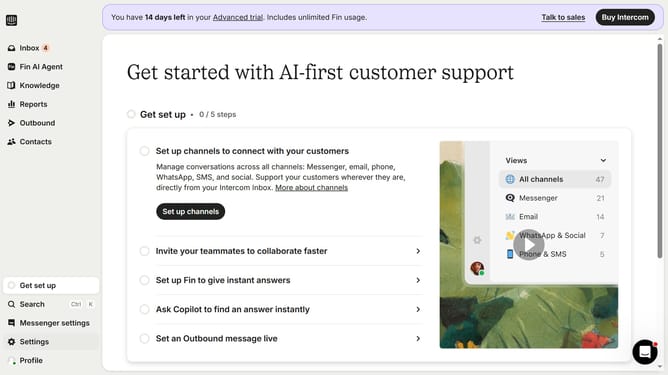
- First click on "Settings" in the left sidebar menu
- Then click on "Integrations" in the left settings menu
- Next click on "App Store" in the integrations submenu
- Then click in the search box at the top right and type "Pipedrive"
- Click on the "Pipedrive" app card in the search results
- Click the "Install now" button in the Pipedrive app details modal
- Next click the "Authorize access" button in the permissions dialog
- Finally click the "Allow and Install" button to complete the Pipedrive integration
Why should you integrate Pipedrive with Intercom
Intercom is a powerful tool designed to enhance customer engagement and communication.
Integrating Pipedrive with Intercom allows for a seamless flow of information between your sales and support teams. This integration helps in synchronizing customer interactions across platforms, ensuring that your team is equipped with the right data to personalize service.
The benefits of this integration include improved customer experience, increased efficiency, and more effective communication. It aligns your customer relationship management efforts, ultimately driving growth and satisfaction.
Last update