How to create conversation tags on Intercom
Here is how to create conversation tags on intercom
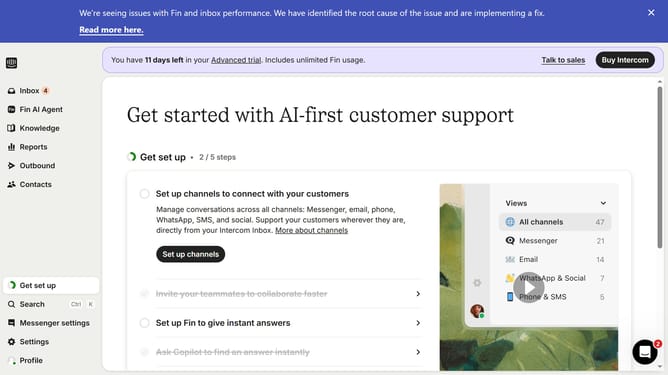
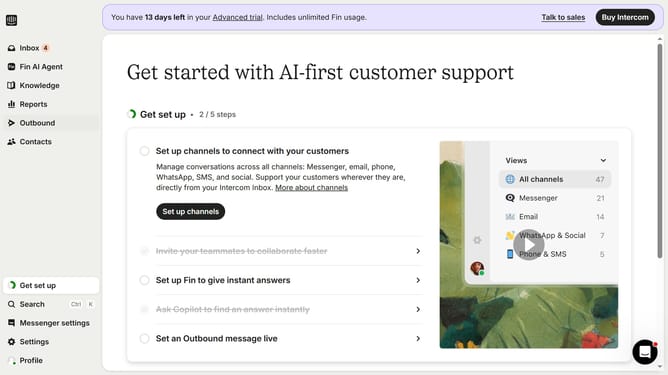
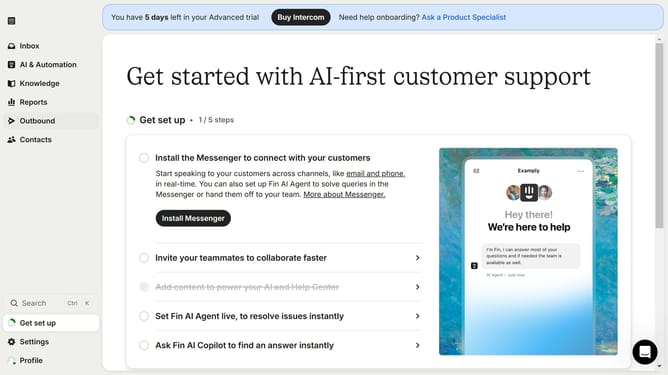
- First click on "Settings" button in the left sidebar
- Then select "Data" from the sidebar menu
- Next, click on "Tags" in the sidebar menu
- Click on the "+ New Tag" button
- Enter the tag name in the input field for the new tag
- Finally, click the checkmark icon to confirm the new tag creation
Why should you create conversation tags on Intercom
Intercom stands as a powerful communication platform designed to streamline customer interactions.
Creating conversation tags on Intercom enhances organization by allowing you to categorize interactions based on themes or customer issues. This feature offers a streamlined approach to managing customer communications, instantly bringing clarity to potentially chaotic inboxes.
Using conversation tags leads to improved team collaboration, as all members gain insight into the nature of interactions at a glance. This fosters efficiency, leading to quicker and more personalized customer support.
Moreover, conversation tags enhance reporting capabilities by providing valuable data on conversation topics and trends. This insight can inform strategic decisions and customer service improvements, ultimately boosting customer satisfaction.