How to create user notes from a conversation on Intercom
Here is how to create user notes from a conversation on intercom
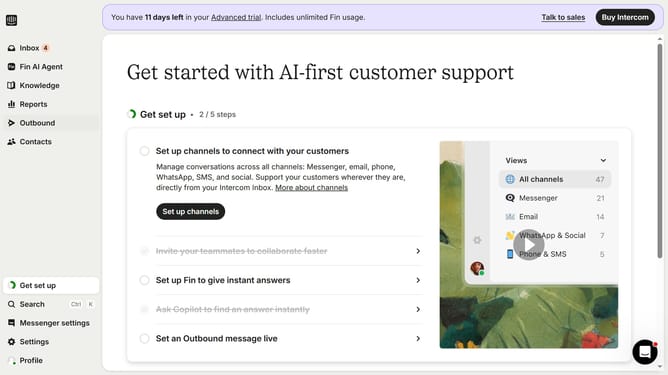
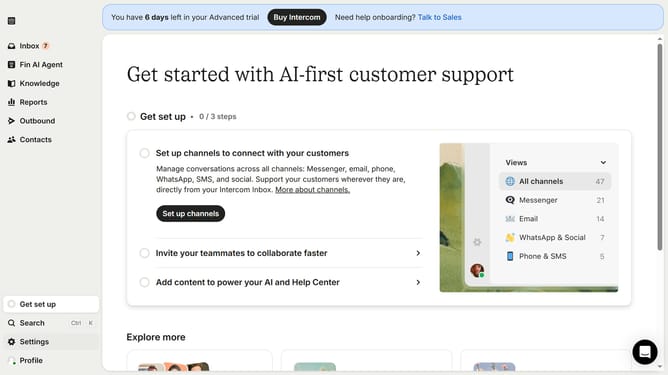
- First click on the "Inbox" tab in the left sidebar
- Then click on the message conversation in the middle pane
- Next, click on the "User notes" section in the right panel
- Then click on the "Add a note" button and enter your note
- Finally, click outside the input field to save note
Why should you create user notes from a conversation on Intercom
Intercom is a powerful platform designed to streamline customer communication and support.
Creating user notes from conversations in Intercom is simple yet impactful. This feature lets team members add personalized details directly into a conversation thread, ensuring context is never lost.
Using user notes enhances team collaboration by making shared customer insights readily accessible. It allows any team member to quickly understand ongoing issues and tailor their engagement accordingly.
Ultimately, this feature sharpens the focus on customer needs, leading to stronger relationships and improved satisfaction.
Last update