How to block untrusted domains in Intercom
Here is how to block untrusted domains in intercom
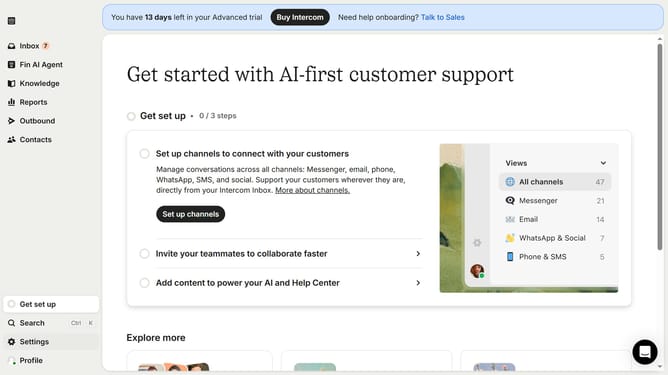
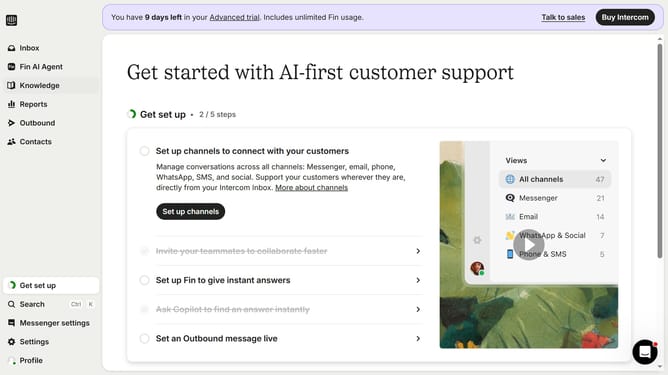
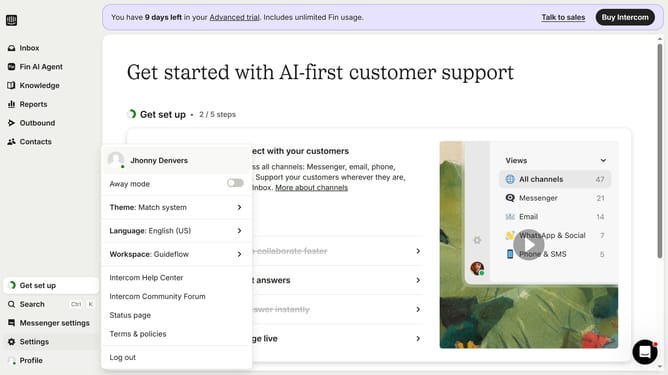
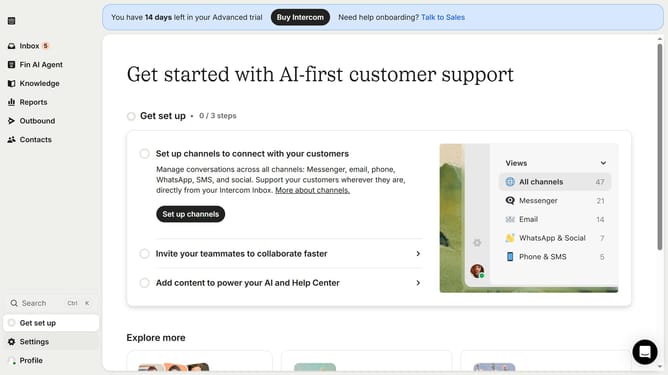
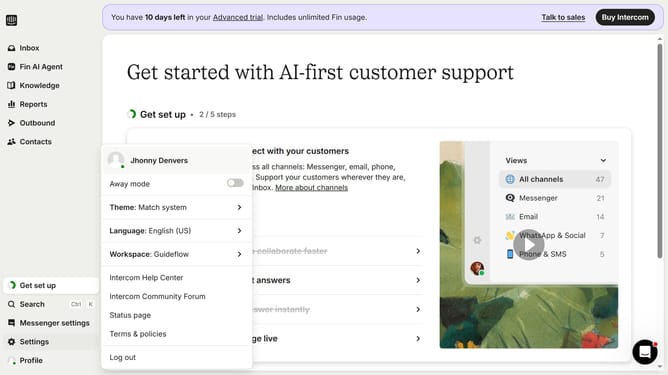
- First click on the "Settings" option in the left sidebar
- Then click on "Workspace" item in the settings menu
- Next click on "Security" option in the workspace submenu
- Click on "Links" section in the security settings panel
- Click on "Add policy" button in the trusted and blocked links section
- Click on the dropdown selector in the add policy dialog
- Select "Domain" option from the dropdown list
- Enter the domain name in the domain input field
- Click the "Blocked" radio button to mark the domain as blocked
- Finally click "Save policy" button to save the new domain policy
Why should you block untrusted domains in Intercom
Intercom is a powerful tool designed to facilitate seamless communication with your website users, enhancing customer interaction and support.
The feature to block untrusted domains in Intercom ensures that only verified and trustworthy domains can interact with your communication channels. This adds an essential layer of security, protecting your users from potential threats and unwanted interactions.
Using this feature not only safeguards your platform but also fosters a trustworthy environment. It fortifies your user engagement strategy, allowing your team to focus on productive and meaningful interactions.
Last update