How to archive an "In Progress" ticket state in Intercom
Here is how to archive an "in progress" ticket state in intercom
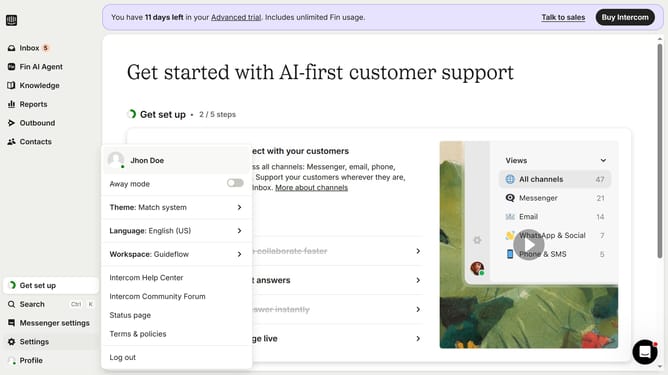
- First click on "Settings" in the left sidebar
- Then click on "Inbox" option in the settings menu
- Next click on "Tickets" under the Inbox section in the left sidebar
- Click on "Ticket states" tab in the main content area
- Click on the edit icon next to the state
- Click on the "Archive" icon in the top right corner of the edit modal
- Finally click on "Archive" button in the confirmation dialog
Why should you archive an "In Progress" ticket state in Intercom
Intercom is an innovative platform designed to enhance customer communication and support.
Archiving an "In Progress" ticket state in Intercom is a feature that ensures your support dashboard is tidy and focused. This helps your team prioritize current tasks without losing sight of ongoing processes.
Maintaining a clean workspace by strategically archiving tickets streamlines workflows, leading to faster response times. This optimization not only enhances productivity but also contributes to a more organized and efficient support system, ultimately improving customer satisfaction.
Last update