How to set the assignment method for a team inbox in Intercom
Here is how to set the assignment method for a team inbox in intercom
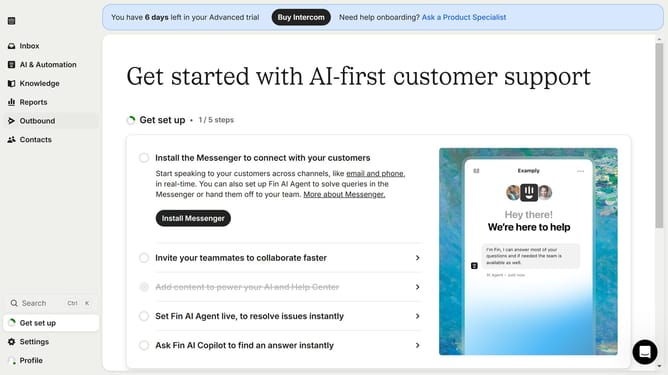
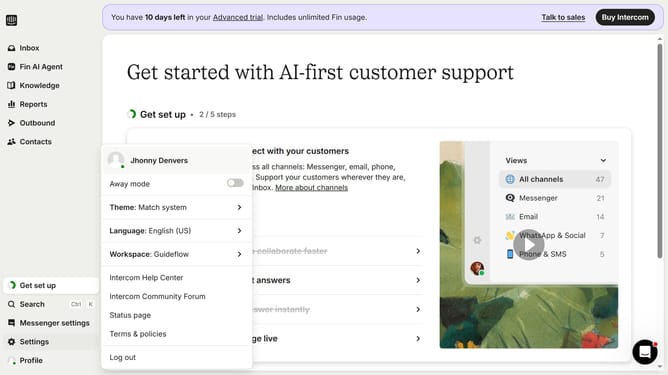
- First click on the "Settings" button in the left sidebar menu
- Then click on the "Inbox" option in the settings menu
- Next click on the "Team inboxes" submenu under Inbox section
- Click on the team inbox to access its settings
- Select your preferred assignment method from the list of options
- Finally click on the "Save" button to apply the changes
Why should you set the assignment method for a team inbox in Intercom
Intercom is a powerful communication platform designed to enhance customer engagement and support.
Setting the assignment method for a team inbox in Intercom empowers businesses to efficiently manage workflow.
By automating the delegation of conversations, it minimizes response time and ensures no customer query is overlooked.
This feature not only boosts team productivity but also enhances customer satisfaction by providing timely support.
Last update