How to add a ticket to a workflow in Intercom
Here is how to add a ticket to a workflow in intercom
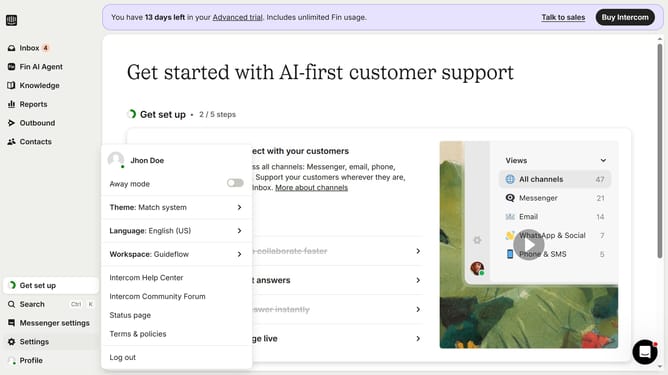
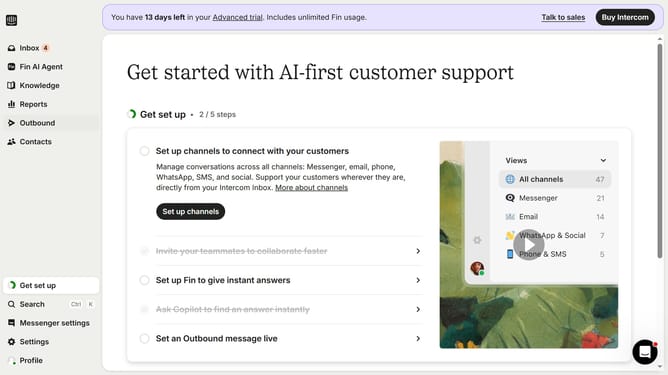
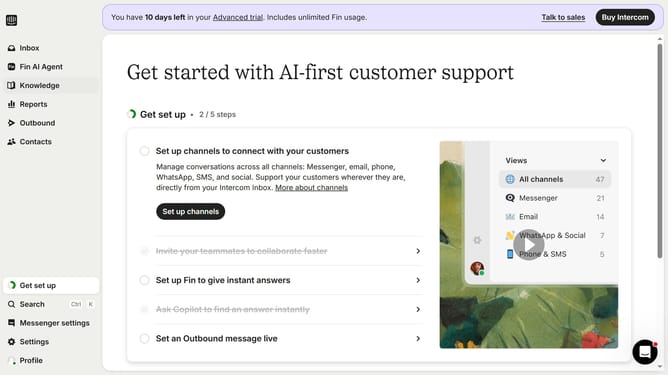
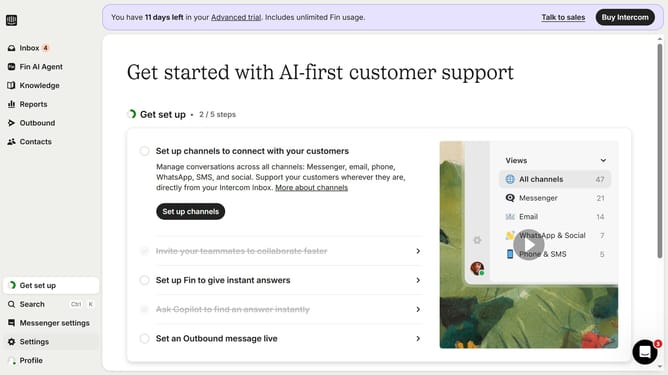
- First click on "AI & Automation" in the left sidebar menu
- Then click on "Workflows" in the left sidebar submenu
- Next click on workflow item in the workflows list
- Then click on "Add step" button in the workflow editor
- Click on the "Search" field in the top menu of the workflow editor
- Finally click on "Send ticket" path in the Add content to path dropdown menu
Why should you add a ticket to a workflow in Intercom
Intercom is a leading customer communication platform that streamlines interaction between businesses and their customers with ease and efficiency.
A key feature is the ability to add a ticket to a workflow, which significantly enhances operational efficiency. This feature helps teams prioritize and systematically address customer inquiries, ensuring no conversation is overlooked.
Incorporating tickets into workflows not only improves responsiveness but also boosts productivity by centralizing support processes. This powerful feature leads to improved customer satisfaction and team performance.
Last update