How to unarchive conversation tags on Intercom
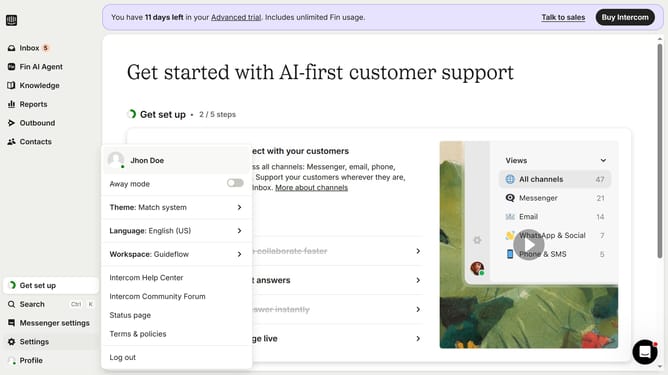
Here is how to unarchive conversation tags on intercom
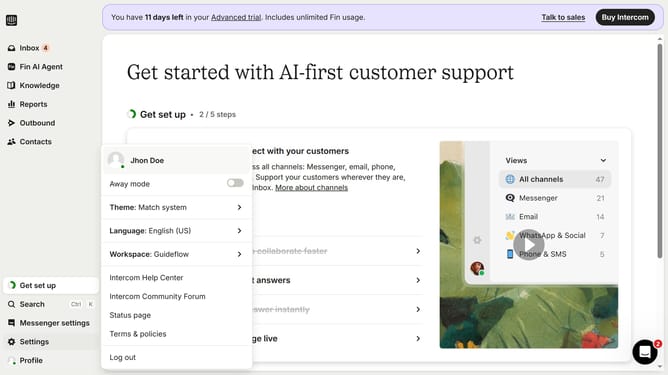
- First, click on "Settings" in the left sidebar
- Then, click on "Data" in the left sidebar
- Next, click on "Tags" in the left sidebar
- After that, click on the "Live" dropdown button
- Then, click on the "Archived" option
- Finally, click on the "Restore" button
Why should you unarchive conversation tags on Intercom
Intercom is an innovative platform designed to enhance customer communication and engagement through seamless messaging solutions.
The ability to unarchive conversation tags on Intercom is a valuable feature that boosts organizational efficiency and aids in retrieving past interactions effortlessly.
Using this feature ensures that no conversation is ever truly lost, promoting easy access to historical data and supporting informed decision-making. It's a great way to maintain comprehensive records and streamline customer support operations effectively.
Last update