How to set a stop date for sending a chat in Intercom
Here is how to set a stop date for sending a chat in intercom
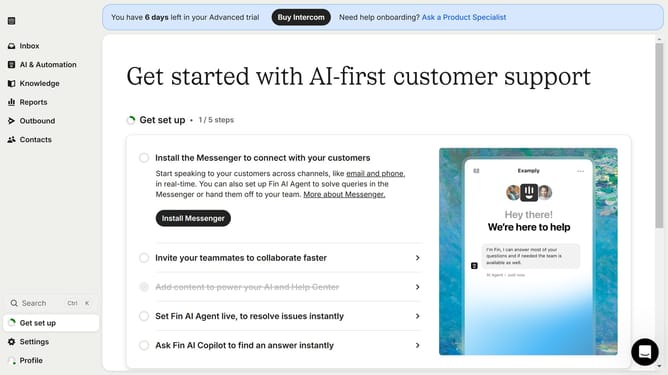
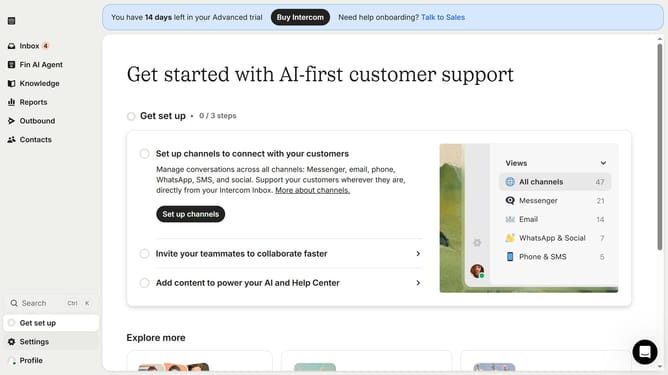
- First click on the "Outbound" item in the left sidebar
- Then click on the "New message" button in the top right corner
- Next click on the "Chat" option in the templates menu
- Then expand the "Frequency and scheduling" section in the message settings
- In the frequency settings, click on the "Never" option under Stop sending
- Finally select the stop date and time in the custom date picker
Why should you set a stop date for sending a chat in Intercom
Intercom is a versatile messaging platform designed to streamline customer interactions.
The feature to set a stop date for sending a chat in Intercom provides essential control over message timing.
This capability allows users to schedule an end date for chat delivery, ensuring communications are timely and relevant.
Utilizing stop dates helps maintain a clutter-free inbox and keeps customer interactions focused and up-to-date.
Ultimately, this enhances user experience by delivering messages that matter when they matter.
Last update