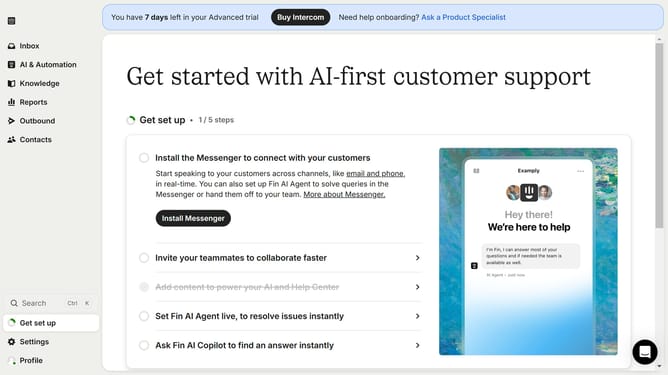
How to apply an audience to individual content items on Intercom
Here is how to apply an audience to individual content items on intercom
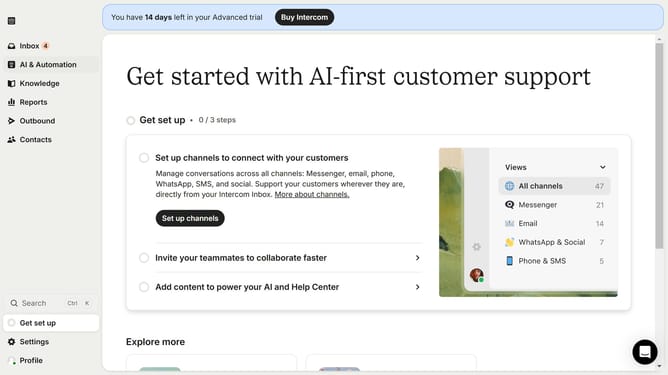
- First click on "Knowledge" in the left sidebar menu
- Then click on the item in the content list
- Next click on "Details" button in the top-right corner
- Then click on the "Audience" dropdown in the Details panel section
- Finally select on the audience option from the audience dropdown menu
Why should you apply an audience to individual content items on Intercom
Intercom is a versatile messaging platform designed to enhance customer relationships and streamline communication.
Applying an audience to individual content items on Intercom allows you to tailor your messages to specific groups, ensuring your communication is both relevant and impactful. This targeted approach helps in engaging users with diverse interests or needs, fostering stronger connections.
Leveraging this feature streamlines your workflow, as it saves time and effort while increasing the effectiveness of your customer interactions. The result is a more personalized user experience, driving customer satisfaction and loyalty.
Last update