How to set in creating new conversations when email subject changes in Intercom
Here is how to set in creating new conversations when email subject changes in intercom
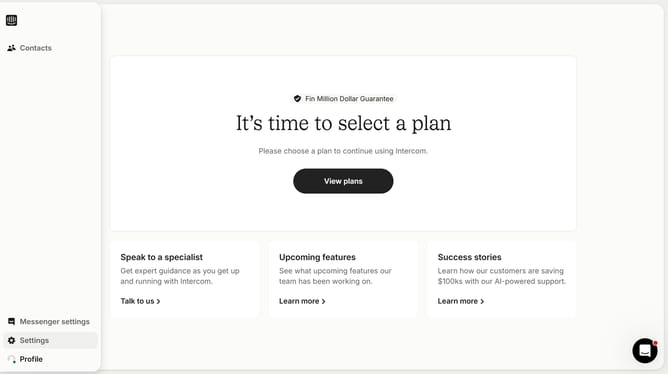
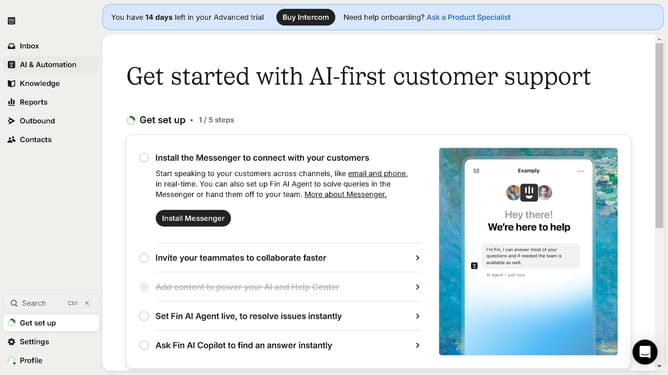
- First click on "Settings" item in the left sidebar
- Then click on "Channels" item in the left sidebar
- Then click on "Email" item in the left sidebar
- Then click on "Email settings" button
- Finally toggle ON the switch for "Create new conversations"
Why should you set in creating new conversations when email subject changes in Intercom
Intercom is a versatile communication platform that connects businesses with their customers seamlessly.
One of its standout features is the ability to create new conversations when an email subject changes. This ensures that evolving discussions are accurately categorized and easier to manage.
By setting this up, users can better track the unique aspects of each interaction, enhancing organization and ensuring nothing gets lost in a lengthy email thread.
This feature not only reduces confusion but also improves customer response times, fostering better relationships.
Last update