How to add a priority action to a workflow in Intercom
Here is how to add a priority action to a workflow in intercom
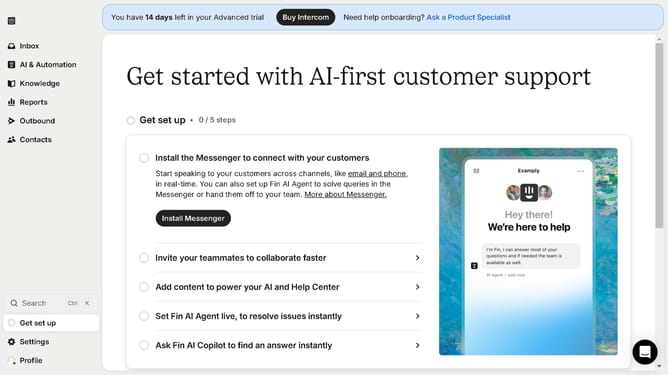
- First click on "AI & Automation" in the left sidebar menu
- Then click on "Workflows" in the left sidebar submenu
- Next click on workflow item in the workflows list
- Then click on "Add step" button in the workflow editor
- Click on the "Search" field in the top menu of the workflow editor
- Finally click on "Mark as priority" action in the Add action dropdown menu
Why should you add a priority action to a workflow in Intercom
Intercom is a versatile platform designed to enhance customer communication and support.
Within Intercom, adding a priority action to a workflow maximizes efficiency and ensures crucial tasks are never overlooked. This feature empowers teams to allocate resources more effectively by highlighting key actions that need immediate attention within any workflow.
By integrating priority actions, businesses can streamline operations, foster better collaboration among team members, and ultimately deliver superior customer experiences by addressing the most important tasks first.
Last update