How to remove ignored addresses in Intercom
Here is how to remove ignored addresses in intercom
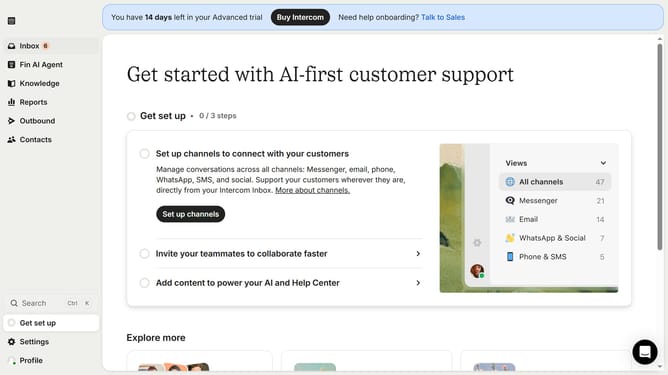
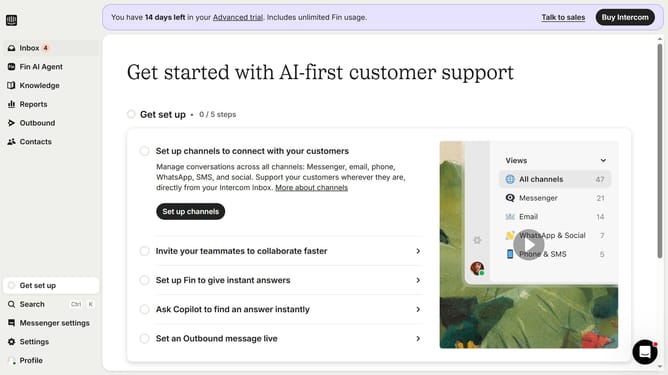
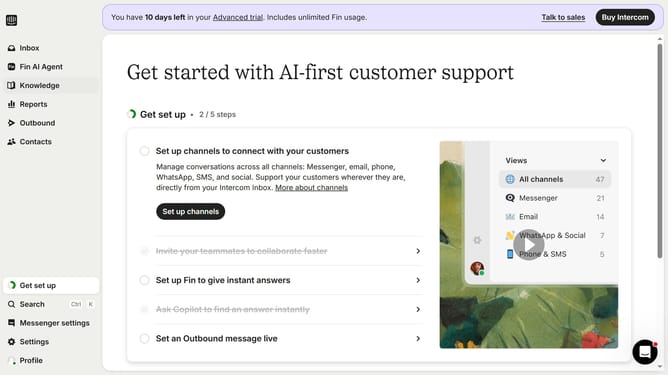
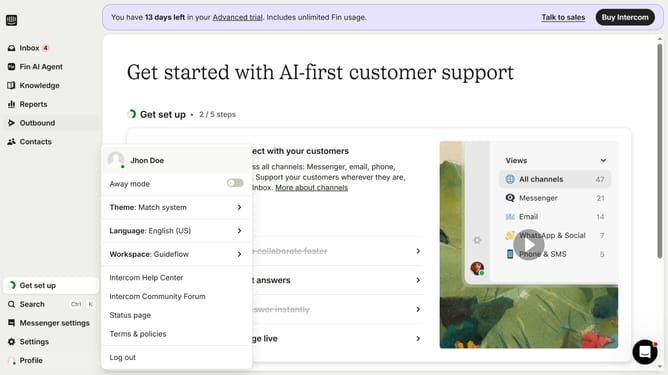
- First click on the "Settings" button in the sidebar
- Then click on the "Channels" option in the sidebar
- Next, click on the "Email" option in the sidebar
- Click on the "Email settings" tab
- Then click on "Configure ignored addresses "
- Finally click on the trash icon to delete an email
Why should you remove ignored addresses in Intercom
Intercom is a powerful platform that enhances customer communications and strengthens relationships through efficient messaging solutions.
Knowing how to remove ignored addresses in Intercom is essential for maintaining tidy and organized contact lists. Cleaning up these ignored addresses can help streamline workflows and ensure that communication is targeted and relevant.
By routinely managing these addresses, you increase responsiveness and effectiveness in customer interactions, making sure that your messages reach the intended audience. This feature ultimately supports better data management and enhances overall efficiency in handling customer engagement.
Last update