How to rename a "In progress" ticket state in Intercom
Here is how to rename a "in progress" ticket state in intercom
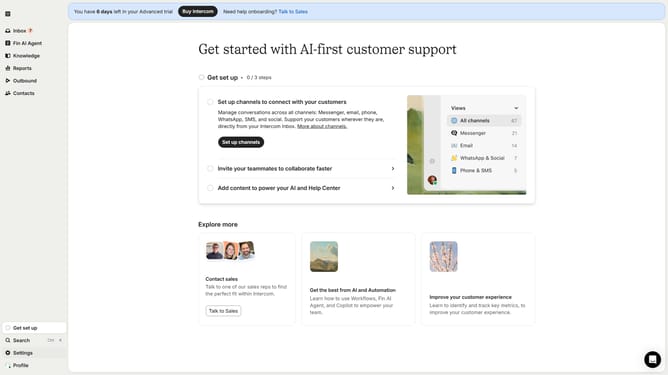
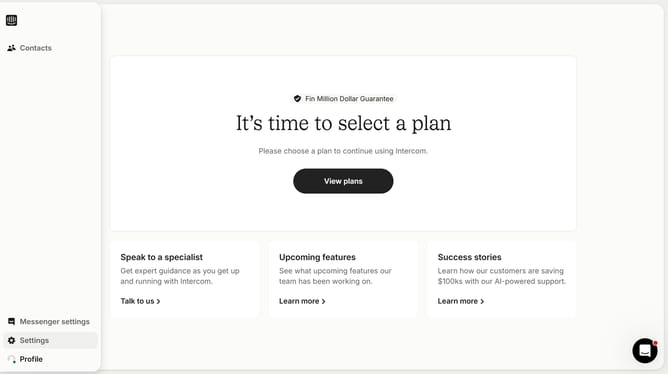
- First click on the "Settings" option in the left sidebar menu
- Then click on the "Inbox" menu item in the settings navigation
- Next click on the "Tickets" option under the Inbox submenu
- Click on the "Ticket states" tab in the tickets settings area
- Click the "Edit" button in the state configuration form
- In the edit modal, click the field and enter the new name
- Finally click the "Save" button to save the ticket state changes
Why should you rename a "In progress" ticket state in Intercom
Intercom streamlines customer communication by integrating messaging, bots, and customer data into one powerful platform.
Renaming the "In progress" ticket state in Intercom is an intuitive feature that allows you to customize your workflow truly. By tailoring the terminology to fit your team's unique processes, you're increasing clarity and reducing ambiguity within your support team's operations.
This customization not only enhances internal communication but also boosts team efficiency, ensuring everyone is aligned and focused on providing top-tier customer service.
Last update