How to disable PDF files for Fin on Intercom
Here is how to disable pdf files for fin on intercom
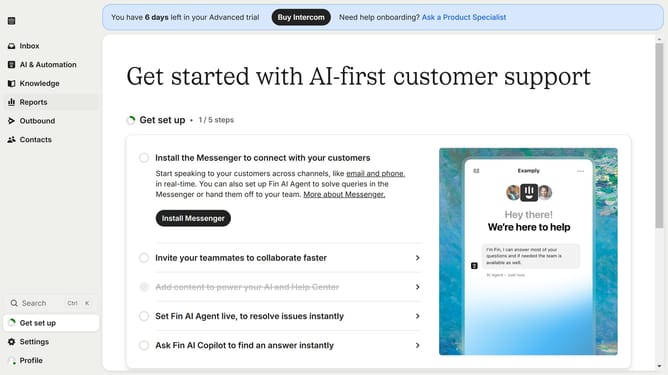
- First click on the "Knowledge" item in the left sidebar
- Click on the PDF file in the content area
- Next click on the "Details" button in the top-right corner of the article
- Finally click on the toggle switch for "Fin AI" to disable it
Why should you disable PDF files for Fin on Intercom
Intercom is an intelligent platform designed to foster seamless communication between businesses and their customers.
Disabling PDF files for Fin on Intercom ensures streamlined interaction by reducing distractions and focusing solely on essential content.
This feature enhances user experience by prioritizing more dynamic forms of content, facilitating quicker resolutions and more interactive support.
Additionally, it simplifies the support process, making it more efficient by eliminating file handling complaints and potential security concerns associated with PDFs.
Last update