How to set a stop date for sending a news in Intercom
Here is how to set a stop date for sending a news in intercom
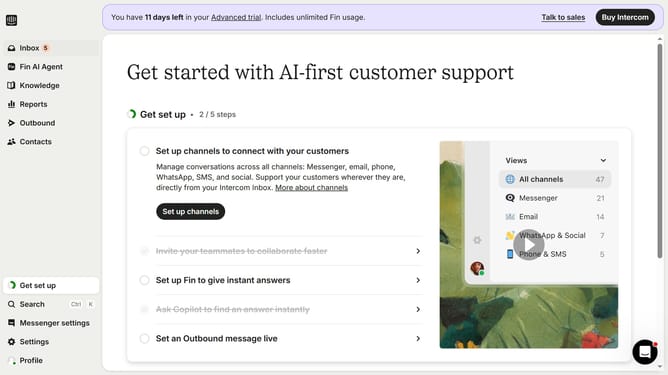
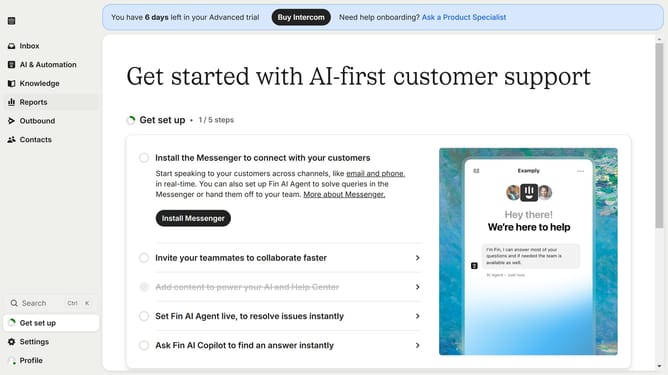
- First click on "Outbound" in the left sidebar menu
- Then click on "New message" button in the top right corner
- Next click on "News" template from the template selection menu
- Then click on "Scheduling" section at the bottom of the message composer
- Next click on "Custom date" option under Stop showing
- Finally select the stop date and time in the custom date picker
Why should you set a stop date for sending a news in Intercom
Intercom is a powerful communication platform designed to enhance customer interactions for businesses.
Setting a stop date for sending news in Intercom helps you manage communications efficiently. This feature allows you to automate the lifecycle of your news updates, ensuring they remain relevant and timely without manual intervention.
Utilizing the stop date feature also prevents outdated content from reaching your audience, ultimately improving the quality and impact of your engagements. It empowers your team to focus on crafting fresh content, rather than managing old messages.
Last update