How to snooze a conversation on Intercom
Here is how to snooze a conversation on intercom
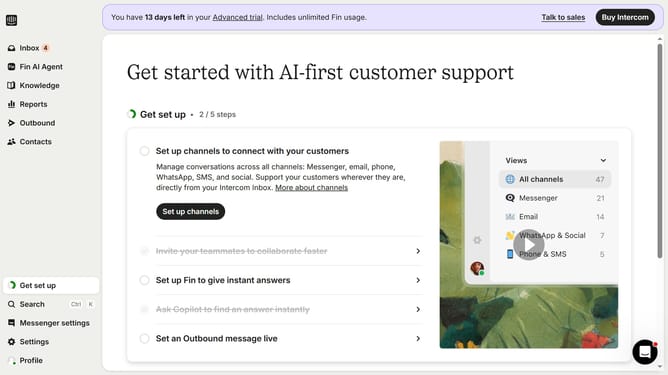
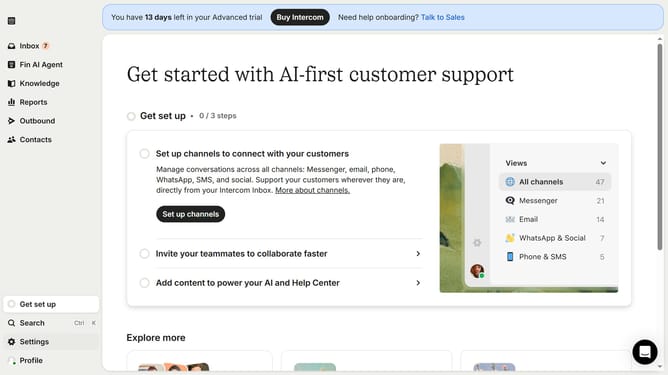
- First click on "Inbox" in the left sidebar
- Then click on the message item in the left sidebar to open it
- Next, click on the "Snooze" icon in the action bar
- Finally select a schedule from the snooze options
Why should you snooze a conversation on Intercom
Intercom is a powerful platform that facilitates smooth communication between businesses and their customers.
One of its handy features is the ability to snooze a conversation, offering a smart solution to manage and organize customer interactions efficiently.
Snoozing a conversation helps to reduce immediate notifications, allowing teams to focus on more pressing matters without losing track of important conversations for later.
This can significantly enhance productivity by allowing a more organized and less cluttered communication experience.
Last update